How to Watch FIFA World Cup 2026 on Smart TV
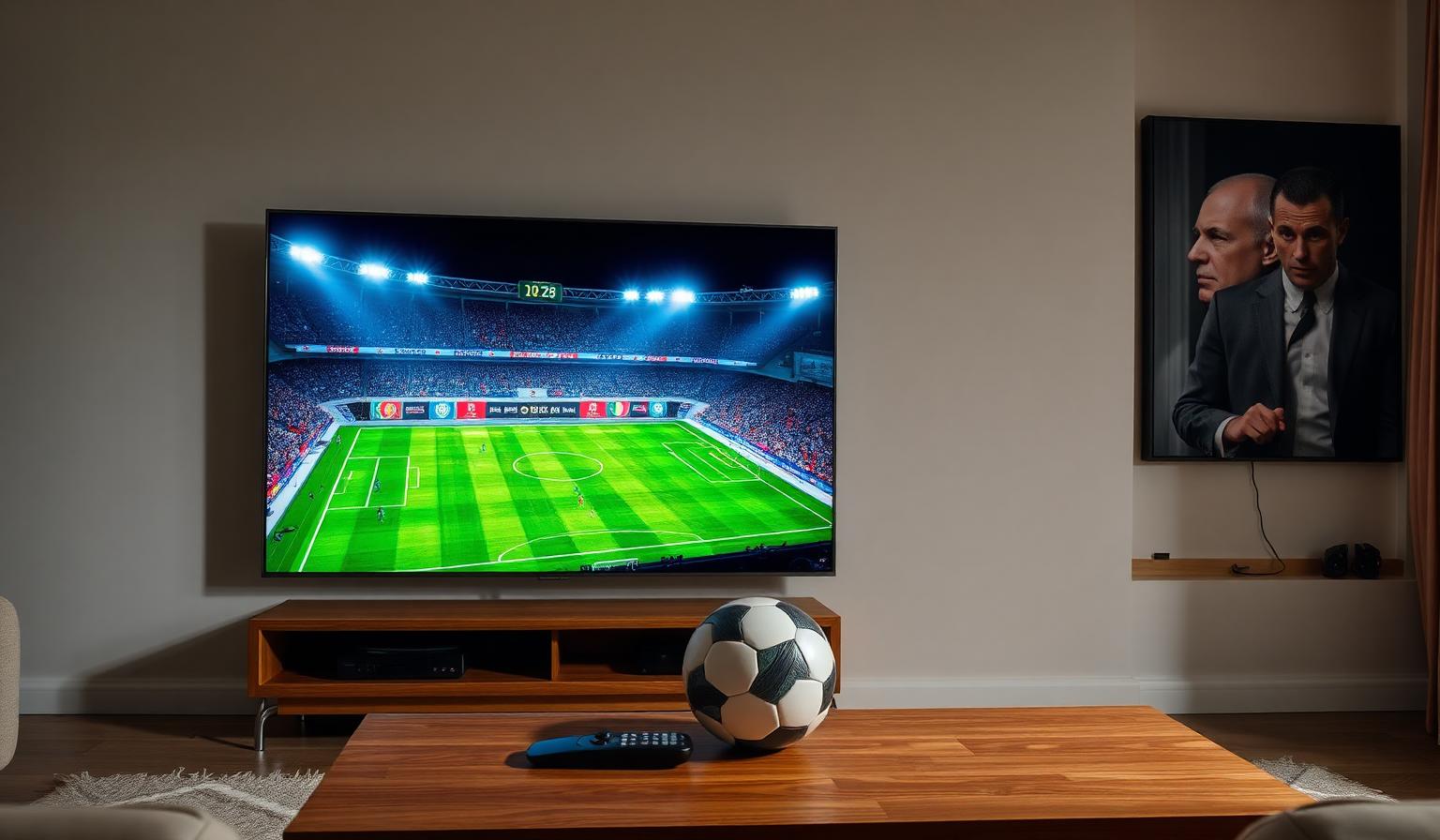
The FIFA World Cup 2026 is shaping up to be the biggest edition ever, hosted across the United States, Canada and Mexico with 48 teams and a record number of matches. Whether you're a lifelong football fan or you only tune in every four years, watching the World Cup 2026 on Smart TV is the most comfortable way to enjoy every goal, every save and every celebration in stunning quality from your living room. In this guide, you'll learn how to prepare your Smart TV, choose the right streaming setup, optimize picture and sound, and avoid common buffering issues — so you never miss a moment of the action, no matter which device or country you watch from.
Why Watch the FIFA World Cup 2026 on a Smart TV?
Smart TVs have become the default home for live sports. Compared to watching on a phone or laptop, a Smart TV gives you a bigger screen, better audio, smoother motion handling and full support for HDR and 4K — all critical for fast-paced football where details matter. Most modern TVs from Samsung, LG, Sony, TCL, Hisense and Philips already include the streaming apps and platforms needed to follow the World Cup live, with replays and highlights only a click away.
Add a stable internet connection and the right player, and your Smart TV becomes a stadium-quality viewing experience for the entire tournament.
What You'll Need Before Kickoff
- A Smart TV (or any TV paired with a streaming device like Firestick, Chromecast or Apple TV)
- A stable internet connection — 15 Mbps for HD, 25 Mbps or more for 4K UHD
- A subscription to a legitimate broadcaster or streaming service covering the World Cup in your country
- An updated streaming or IPTV app that supports live TV and EPG
- Optional: a soundbar or home theater system for richer match audio
Step-by-Step: How to Watch the World Cup 2026 on Smart TV
Step 1 — Update Your Smart TV
Before the tournament begins, head to Settings → Support → Software Update (the path varies slightly by brand). Updating your Smart TV ensures you have the latest streaming apps, codecs and security patches, which directly affects picture quality and stability during live matches.
Step 2 — Choose How You'll Watch
You generally have three main options to follow the FIFA World Cup 2026 on a Smart TV:
- Official broadcaster apps — install the dedicated app of the rights holder in your country directly from your TV's app store
- Streaming devices — plug in an Amazon Firestick, Chromecast with Google TV or Apple TV to add modern apps to older Smart TVs
- IPTV players — use a multi-channel IPTV subscription that aggregates live TV, sports and on-demand content in a single, organized interface
Step 3 — Install Your Streaming or IPTV App
Open your Smart TV's app store (Samsung Tizen Store, LG Content Store, Google Play on Android TV, etc.) and install the app you've chosen. Popular IPTV-friendly players include IPTV Smarters Pro, TiviMate (on Android TV) and OTT Navigator. Sign in with your account or subscription details and let the app load the channel list and EPG.
Step 4 — Find the Match and Set Up Reminders
Use the EPG (Electronic Program Guide) to browse the World Cup 2026 schedule. Most modern players let you set reminders or favorites for upcoming matches, so you'll get a notification before kickoff. Group all sports channels into a single favorite list to switch between matches during simultaneous group-stage games.
Step 5 — Optimize Picture and Sound for Live Football
- Switch your TV picture mode to Sports or Filmmaker / Cinema for a more natural look
- Enable motion smoothing carefully — too high creates the "soap opera effect"
- Turn on HDR if your TV and stream support it
- Use a soundbar or 5.1 system to capture stadium atmosphere
- Connect via Ethernet or a strong 5GHz Wi-Fi signal for the most reliable streaming
Pros and Cons of Watching the World Cup on Smart TV
- • Big screen, immersive viewing for every match
- • Native support for 4K HDR and surround sound
- • Built-in apps and EPG make scheduling easy
- • Works with streaming devices to extend older TVs
- • Comfortable group viewing with family and friends
- • Requires a stable, high-speed internet connection
- • App availability varies by TV brand and region
- • Older Smart TVs may lack 4K or modern codecs
- • Live streams can buffer during peak match times
Best Practices and Pro Tips
- Test your full setup at least one day before the first match — don't wait for kickoff
- Restart your router and Smart TV before big knockout games
- Keep a backup device (Firestick, phone or tablet) in case the main app freezes
- Use an HDMI 2.1 cable for 4K HDR streams from external devices
- Mute notifications on your phone so spoilers don't ruin the experience
Troubleshooting Live Match Issues
If a stream freezes mid-match, first check your Wi-Fi signal and switch to a wired connection if available. Lower the stream quality temporarily — going from 4K to 1080p often fixes buffering instantly. Clear the app's cache from your TV settings and restart it. If the EPG looks empty, give the app a minute to refresh, or trigger a manual update from its settings menu.
Want to learn more about setting up the apps used in this guide? Read our Android TV setup guide, our Firestick setup guide, or browse the subscription plans designed for live sports and 4K streaming.
Conclusion
Watching the FIFA World Cup 2026 on a Smart TV is the easiest way to enjoy football's biggest tournament without leaving your home. Update your TV, pick a reliable streaming or IPTV app, optimize your picture and sound, and lock in a stable internet connection. With those simple steps in place, you'll be ready to follow every group-stage clash, every dramatic knockout match and the final itself in crisp HD or 4K — all from the comfort of your sofa, with the matches you care about just one click away.
Ready to start streaming?
Explore our subscription plans and get instant access to live TV, sports and a huge VOD library on any device.
View IPTV PlansFrequently Asked Questions
More from the blog
Complete guide to streaming the FIFA World Cup 2026 with IPTV — best devices, apps, internet speeds, setup steps and tips for HD & 4K live football.
Complete guide to high quality streaming with VOD — best devices, internet speed needs, setup steps, pros & cons, and expert tips for the ultimate on-demand experience.