Best IPTV Apps in 2026 (Complete Guide)
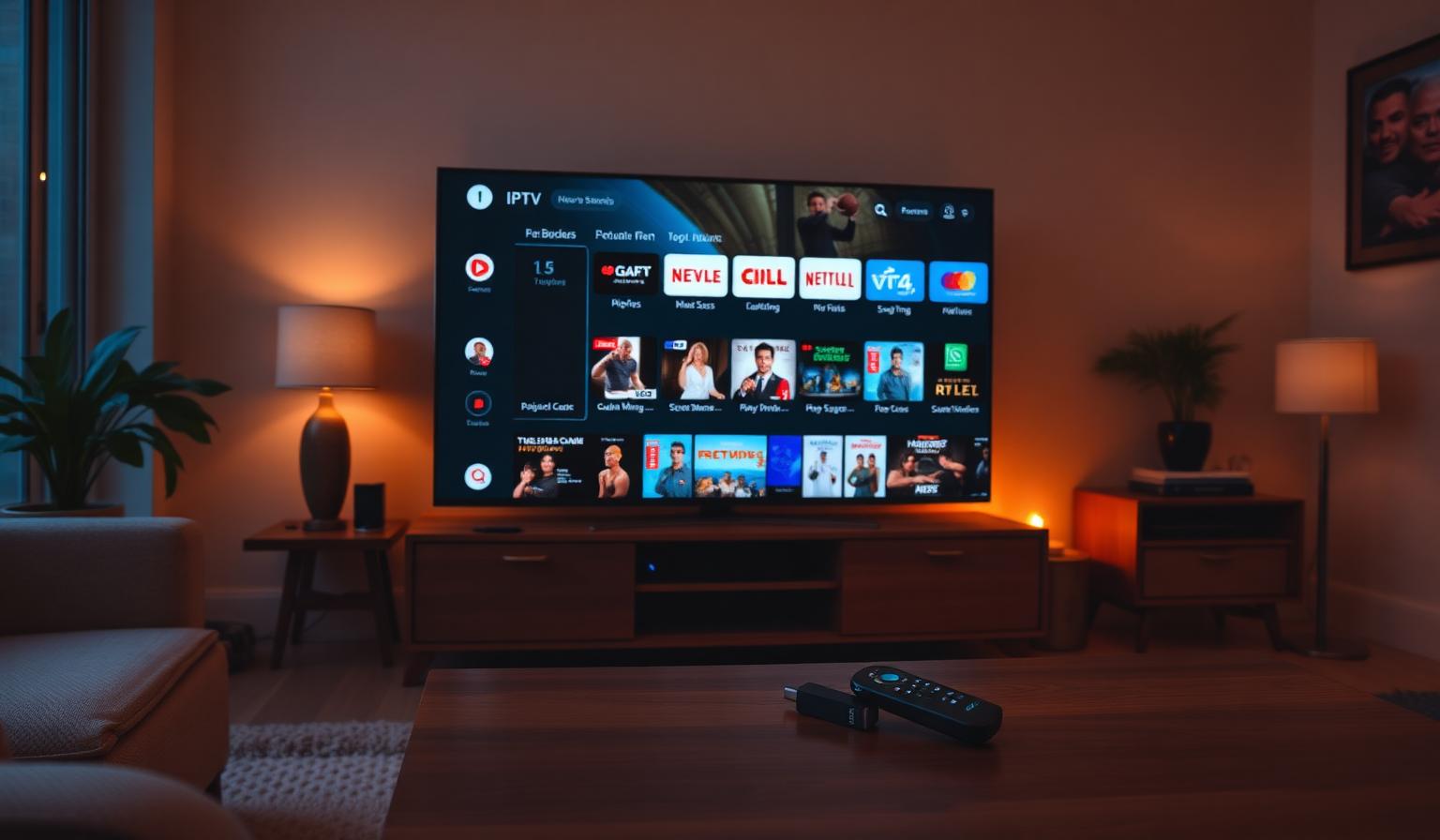
IPTV apps have transformed live TV. Instead of bulky receivers and tangled cables, a single app on your Smart TV, Firestick, Android box or phone delivers thousands of live channels, full EPG, catch-up and a huge VOD library — all in HD or 4K. But with so many options, picking the right player matters. In this guide, you'll discover the best IPTV apps in 2026 — what they do best, which devices they support, how to set them up step by step, and the pros and cons of each. Whether you're new to IPTV or upgrading your setup, you'll find a player here that fits your TV, your remote and your daily viewing habits.
What Makes a Great IPTV App?
- Clean, fast interface optimized for TV remotes
- Full EPG (electronic program guide) with multi-day view
- Support for M3U playlists and Xtream Codes API
- 4K UHD playback with smooth transitions and minimal buffering
- Favorites, categories and parental controls
- Catch-up TV, recording (where supported) and VOD support
- Works across Android TV, Firestick, iOS, Windows and Smart TVs
Best IPTV Apps in 2026
1. TiviMate — Best Overall on Android TV & Firestick
TiviMate is the gold standard on Android TV, Google TV and Amazon Firestick. It offers the cleanest channel grid, beautiful EPG, multi-playlist support and silky-smooth navigation with a remote. The Premium upgrade unlocks recording, multiple playlists and customization.
- Best for: Firestick, Android TV, Google TV, Nvidia Shield
- Strengths: Polished UI, excellent EPG, fast channel switching
2. IPTV Smarters Pro — Most Universal
IPTV Smarters Pro runs on almost everything — Android, iOS, Windows, macOS, Samsung Tizen, LG webOS and Firestick. It's a solid all-rounder with built-in player, EPG, VOD and series sections, and supports both M3U and Xtream Codes login.
- Best for: Multi-device households (Smart TV + phone + tablet)
- Strengths: Cross-platform, easy setup, free
3. OTT Navigator — Power User Pick
OTT Navigator is a feature-rich Android player with archive playback, deep customization and powerful EPG handling. Great for users who want fine control over how channels are displayed and replayed.
- Best for: Android TV and Android boxes
- Strengths: Catch-up archive, customization, lightweight
4. Smart IPTV — Best for Samsung & LG Smart TVs
Smart IPTV (SIPTV) is one of the most popular players on Samsung Tizen and LG webOS. Simple, reliable and lightweight — perfect for users who want IPTV directly on their TV with no streaming stick.
- Best for: Samsung Tizen, LG webOS
- Strengths: Native Smart TV experience, low latency
5. XCIPTV Player — Modern UI
XCIPTV is a sleek, modern player with strong Xtream Codes support, a clean grid, EPG and catch-up. Works on Android, Android TV and Firestick.
- Best for: Android TV, Firestick
- Strengths: Modern interface, Xtream Codes-friendly
6. GSE Smart IPTV — Best on iOS
GSE Smart IPTV is the most established IPTV player on iPhone, iPad and Apple TV. Supports M3U, Xtream Codes, EPG and AirPlay — perfect for Apple-first households.
- Best for: iPhone, iPad, Apple TV
- Strengths: iOS-native experience, AirPlay, free
7. Perfect Player — Lightweight Classic
Perfect Player is a long-standing favorite on Android and Windows. Minimal interface, fast EPG and reliable performance for users who prefer a no-frills experience.
- Best for: Android, Android TV, Windows
- Strengths: Lightweight, stable, simple
Step-by-Step: Set Up Your IPTV App
Step 1 — Choose Your Player
Match the app to your device — TiviMate on Android TV / Firestick, Smart IPTV on Samsung/LG, GSE Smart IPTV on iOS, IPTV Smarters Pro for everything in between.
Step 2 — Install From the Official Store
Download from the Google Play Store, Amazon Appstore, Apple App Store, Samsung Apps or LG Content Store. Avoid sideloading from unofficial sources.
Step 3 — Add Your Playlist
Open the app and add your IPTV provider's playlist via M3U URL or Xtream Codes credentials (server URL, username, password). The full channel grid and EPG appear automatically.
Step 4 — Organize Favorites and Categories
Group channels by News, Sports, Movies, Kids and Music. Pin your most-watched channels to favorites for instant access.
Step 5 — Optimize Picture and Sound
- Switch picture mode to Filmmaker, Cinema or Sports
- Enable HDR, Dolby Vision or HDR10+ when supported
- Use a wired Ethernet connection on your main TV for 4K streams
- Pair with a soundbar for cinematic depth
Pros and Cons of IPTV Apps
- • One app brings thousands of live channels worldwide
- • Full EPG, catch-up TV and VOD in one interface
- • Works on Smart TV, Firestick, Android, iOS and PC
- • HD and 4K UHD support with modern codecs
- • One subscription, multiple devices
- • Customizable favorites and categories
- • Quality depends on your internet connection
- • Some apps have a small one-time fee for Premium features
- • Older Smart TVs may not support the latest players
- • Setup requires copying a playlist URL the first time
- • Too many features can feel overwhelming for new users
Tips and Best Practices
- Use Ethernet on your main TV — it's the single biggest fix for buffering
- Keep your IPTV app and Smart TV firmware up to date
- Pin your top 10 channels to favorites for one-click access
- Use 5GHz Wi-Fi for streaming devices when Ethernet isn't possible
- Restart your router weekly for stable streaming sessions
- Try 2–3 players to find the interface you enjoy most
Pick the Right Player for Your Setup
Your "best IPTV app" depends on your device. TiviMate wins on Android TV and Firestick, IPTV Smarters Pro is the universal everyday pick, Smart IPTV is the easiest on Samsung and LG, and GSE Smart IPTV is the go-to on iPhone and iPad. Try a couple, then commit to the one that feels best with your remote.
Want to dig deeper? Read our top IPTV players for Smart TVs guide, our IPTV setup guide for Samsung & LG, or browse the subscription plans designed for live TV in HD and 4K on any device.
Conclusion
The best IPTV apps in 2026 share the same DNA: clean interfaces, fast EPG, broad device support and rock-solid playback. TiviMate, IPTV Smarters Pro, OTT Navigator, Smart IPTV, XCIPTV, GSE Smart IPTV and Perfect Player each shine in their own category — pick the one that matches your device, install it from the official store, add your playlist and enjoy worldwide live TV in HD or 4K from one organized dashboard.
Ready to start streaming?
Explore our subscription plans and get instant access to live TV, sports and a huge VOD library on any device.
View IPTV PlansFrequently Asked Questions
More from the blog
Complete guide to high quality streaming with VOD — best devices, internet speed needs, setup steps, pros & cons, and expert tips for the ultimate on-demand experience.
Complete guide to premium 4K streaming for IPTV — best devices, internet speed needs, HDR setup, pros & cons, and expert tips for stunning Ultra HD quality.