Premium 4K Streaming: The Complete Guide to Ultra HD IPTV (2026)
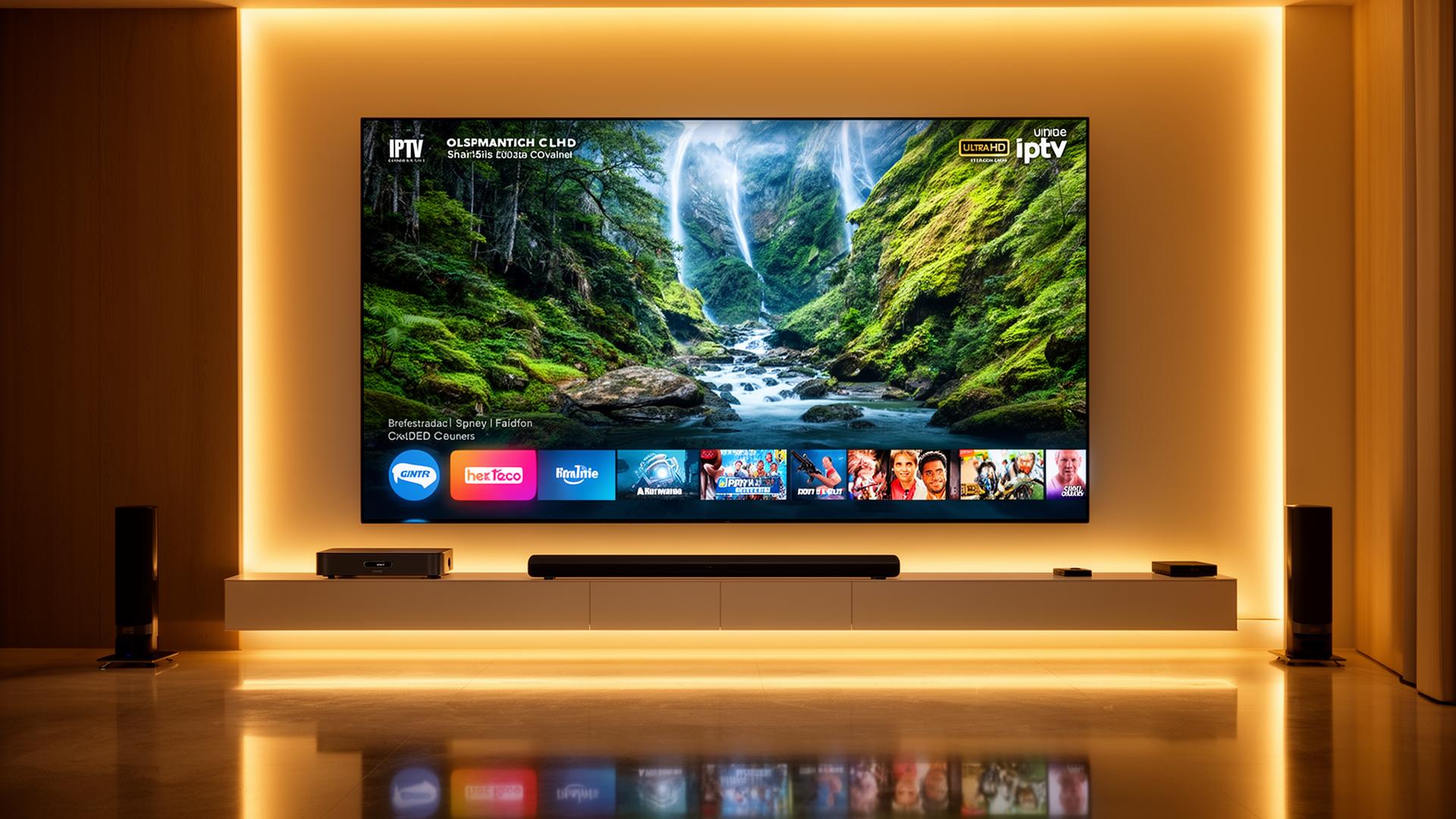
Premium 4K Streaming: The Complete Guide to Ultra HD IPTV in 2026
The way we watch television has evolved dramatically, and premium 4K streaming is now the gold standard for home entertainment. With four times the resolution of Full HD and the added richness of HDR, Ultra HD IPTV delivers a cinematic experience right in your living room. Whether you are streaming live sports, blockbuster movies, or international channels, understanding how to unlock true premium 4K quality can transform every viewing session. In this guide, we break down exactly what premium 4K streaming means for IPTV users, the devices and internet requirements you need, step-by-step optimization tips, and the pros and cons of making the jump to Ultra HD.
What Is Premium 4K Streaming?
Premium 4K streaming refers to video content delivered at a resolution of 3840 x 2160 pixels — commonly called Ultra HD or UHD. Unlike standard HD (1080p), 4K provides vastly sharper images, more vivid colors, and finer detail that becomes especially noticeable on larger screens. When paired with HDR (High Dynamic Range), premium 4K content offers brighter highlights, deeper shadows, and a wider color gamut that makes everything from live football matches to nature documentaries look breathtakingly realistic.
In the IPTV world, premium 4K streaming goes beyond resolution. It also means high-bitrate encoding, reliable server infrastructure, and compatibility with advanced codecs like HEVC (H.265) and AV1. These technologies compress large 4K files efficiently without sacrificing visual quality, ensuring smooth playback even on demanding live broadcasts.
Why Premium 4K Streaming Matters for IPTV Users
- Unmatched clarity — See every blade of grass on a football pitch, every facial expression in a drama, and every detail in fast-moving action scenes.
- HDR enhancement — High Dynamic Range adds depth and realism that standard HD cannot replicate, making colors pop and contrast feel natural.
- Future-proofing — More broadcasters and IPTV providers are shifting to 4K feeds. Investing in 4K-ready hardware today ensures you are ready for tomorrow's content.
- Bigger screen compatibility — On 55-inch, 65-inch, or larger TVs, 4K resolution eliminates the pixelation that becomes visible with HD content.
- Improved upscaling — Modern 4K TVs use AI-powered upscaling to make even non-4K content look sharper and cleaner.
Internet Speed Requirements for Premium 4K Streaming
A stable and fast internet connection is the backbone of premium 4K streaming. Unlike HD, which can work comfortably on slower plans, 4K IPTV demands consistent bandwidth to avoid buffering and quality drops.
SD Quality (480p)
- Minimum: 3–5 Mbps
- Suitable for mobile devices
- Low data consumption
HD Quality (1080p)
- Minimum: 8–12 Mbps
- Standard for most IPTV
- Balanced quality and bandwidth
Premium 4K UHD (2160p)
- Minimum: 25 Mbps
- Recommended: 50+ Mbps
- HDR adds extra bandwidth needs
Keep in mind that these speeds are per device. If multiple family members stream simultaneously, add the requirements together. For example, two 4K streams need at least 50–100 Mbps total. For the most reliable premium 4K experience, a wired Ethernet connection to your streaming device is always preferable to Wi-Fi.
Best Devices for Premium 4K IPTV Streaming
Not all streaming devices are created equal. To enjoy true premium 4K streaming, your hardware must support 4K resolution, HDR formats, and efficient video decoding. Here are the top devices for Ultra HD IPTV in 2026.
Amazon Firestick 4K Max
The Firestick 4K Max is a compact powerhouse that supports 4K Ultra HD, Dolby Vision, HDR10+, and Wi-Fi 6E. Its upgraded processor handles high-bitrate IPTV streams smoothly, and it integrates seamlessly with Alexa voice controls. For users who want an affordable yet capable 4K streaming solution, this device is hard to beat.
Apple TV 4K (3rd Gen)
Apple's flagship streaming box delivers exceptional performance with the A15 Bionic chip. It supports Dolby Vision, HDR10+, and offers one of the most polished interfaces available. The Apple TV 4K is perfect for users already in the Apple ecosystem who demand premium 4K quality and rock-solid app performance.
NVIDIA Shield TV Pro
Widely regarded as the most powerful Android streaming device, the Shield TV Pro handles 4K HDR streams effortlessly. It supports AI upscaling for non-4K content, Dolby Atmos passthrough, and has a robust ethernet port for uninterrupted streaming. Power users and home theater enthusiasts favor this device for its versatility and performance.
Premium Smart TVs (Samsung, LG, Sony)
Modern Smart TVs from Samsung (Tizen), LG (webOS), and Sony (Google TV) come with built-in 4K HDR support and native IPTV apps. High-end OLED and Mini-LED models offer the best picture quality for premium 4K streaming, with deep blacks, vibrant colors, and excellent motion handling for live sports.
Step-by-Step: Setting Up Premium 4K Streaming for IPTV
- Verify your internet speed — Run a speed test on the device you plan to stream from. Ensure you have at least 25 Mbps consistently, or 50+ Mbps for the best experience.
- Use a wired Ethernet connection — Connect your Smart TV or streaming box directly to your router with a CAT6 or CAT7 cable for maximum stability.
- Enable 4K and HDR in your TV settings — Go to picture settings and turn on HDMI UHD Color, HDR, and any AI upscaling features.
- Choose a 4K-capable IPTV app — Apps like TiviMate, IPTV Smarters Pro, and OTT Navigator support 4K streams and offer hardware decoding options.
- Enable hardware decoding — In your IPTV app settings, switch from software to hardware decoding. This offloads video processing to your device's GPU for smoother 4K playback.
- Select the highest quality stream — If your provider offers multiple quality levels, choose the 4K or UHD option for channels that support it.
- Test and fine-tune — Stream a 4K channel for several minutes. If you see stuttering, lower the bitrate slightly or check for background downloads consuming bandwidth.
For a deeper dive into device-specific setup instructions, check out our Firestick setup guide or our Smart TV setup guide for Samsung and LG.
Pros and Cons of Premium 4K Streaming
Pros
- Crystal-clear picture quality with four times the detail of HD.
- HDR enhances colors, contrast, and realism dramatically.
- Ideal for large-screen TVs — no visible pixelation.
- Future-proof as more content shifts to 4K broadcasts.
- AI upscaling improves the look of HD and SD content too.
- Immersive sports and movie experiences at home.
Cons
- Requires faster, more stable internet than HD streaming.
- Higher data consumption — may affect capped internet plans.
- Not all IPTV channels are available in true 4K yet.
- Some older streaming devices cannot handle 4K smoothly.
- 4K-ready hardware tends to be more expensive.
- Wi-Fi networks can struggle with consistent 4K delivery.
Tips and Best Practices for Premium 4K Streaming
- Prioritize Ethernet over Wi-Fi — A direct wired connection eliminates interference and provides the steady bandwidth 4K streams demand.
- Upgrade your router — Modern Wi-Fi 6 or Wi-Fi 6E routers handle multiple high-bandwidth devices far better than older models.
- Use certified HDMI cables — For external devices, ensure you use HDMI 2.0 or 2.1 cables rated for 4K HDR at 60Hz.
- Enable QoS on your router — Quality of Service settings let you prioritize streaming traffic over downloads and gaming.
- Close background apps — Free up RAM and processing power on your streaming device by closing unused apps before launching IPTV.
- Match your TV's refresh rate — Set your device output to match your TV's native refresh rate (usually 60Hz) to avoid judder.
- Keep firmware updated — Regular updates for your TV, streaming device, and router improve codec support and fix bugs.
- Choose the right time to stream — Peak evening hours can strain both your ISP and IPTV servers. If possible, schedule heavy viewing during off-peak times.
How Premium 4K Streaming Enhances Different Content Types
Live Sports
Sports benefit enormously from premium 4K streaming. The higher resolution reveals fine details like jersey textures, facial expressions, and ball trajectory. HDR makes stadium lighting look natural and player uniforms stand out with accurate colors. Fast motion is smoother on 4K panels with high refresh rates, reducing blur during rapid plays.
Movies and TV Series
Cinematic content shines in 4K HDR. Dark scenes retain detail instead of turning into muddy shadows, and bright highlights — like sun reflecting off water — feel dazzlingly realistic. Filmmakers increasingly master content for HDR, meaning premium 4K streaming lets you experience their vision exactly as intended.
Documentaries and Nature Content
Nature documentaries are perhaps the most visually striking 4K content. From the iridescent feathers of exotic birds to the sweeping vistas of mountain ranges, premium 4K brings the natural world into your home with breathtaking fidelity. The wider color gamut of HDR reproduces the vivid hues of coral reefs, forests, and sunsets with stunning accuracy.
Common Premium 4K Streaming Issues and How to Fix Them
Buffering or Stuttering
- Switch from Wi-Fi to Ethernet
- Enable hardware decoding in your IPTV app
- Close background downloads and uploads
- Lower bitrate if your connection is borderline
Dim or Washed-Out Colors
- Ensure HDR is enabled on your TV
- Check HDMI port supports UHD color
- Use a certified HDMI 2.0+ cable
- Calibrate TV picture mode to "Movie" or "Cinema"
Audio Out of Sync
- Adjust audio delay in TV or soundbar settings
- Use HDMI ARC or eARC for better sync
- Restart both TV and streaming device
4K Option Not Available
- Verify your subscription includes 4K channels
- Confirm your device supports 4K output
- Update your IPTV app to the latest version
- Check that your display is set to 4K resolution
If you continue experiencing buffering, our complete guide to fixing IPTV buffering covers advanced troubleshooting for every scenario.
Conclusion
Premium 4K streaming represents the pinnacle of home entertainment quality, and IPTV users are perfectly positioned to take advantage of it. With the right internet speed, a capable streaming device, and a few smart optimizations, you can enjoy Ultra HD live TV, sports, and movies that rival commercial cinema experiences. While it does require more bandwidth and better hardware than standard HD, the visual payoff is undeniable — sharper detail, richer colors, deeper contrast, and a level of immersion that changes how you watch television.
As more broadcasters and IPTV services expand their 4K offerings, investing in a premium 4K setup today ensures you are ready for the future of streaming. Start with a solid Ethernet connection, choose a 4K-capable device, enable HDR, and fine-tune your settings. The result is a viewing experience that once seemed impossible outside a movie theater — now available right from your couch.
Internal Linking Suggestions
- Best Internet Speed for IPTV Streaming — Learn exactly how much bandwidth you need for buffer-free 4K streaming.
- Best Smart TVs for IPTV Streaming — Discover the top 4K Smart TV models optimized for premium IPTV experiences.
- Fix IPTV Buffering Issues — A complete troubleshooting guide to eliminate stuttering and enjoy smooth 4K playback.
Ready to start streaming?
Explore our subscription plans and get instant access to live TV, sports and a huge VOD library on any device.
View IPTV PlansFrequently Asked Questions
More from the blog
Complete guide to high quality streaming with VOD — best devices, internet speed needs, setup steps, pros & cons, and expert tips for the ultimate on-demand experience.
Discover the ideal internet speed for IPTV streaming in the USA — minimum Mbps for SD, HD and 4K, Wi-Fi vs Ethernet, and expert tips for buffer-free live TV.