Best Ways to Watch International TV Channels (2026)
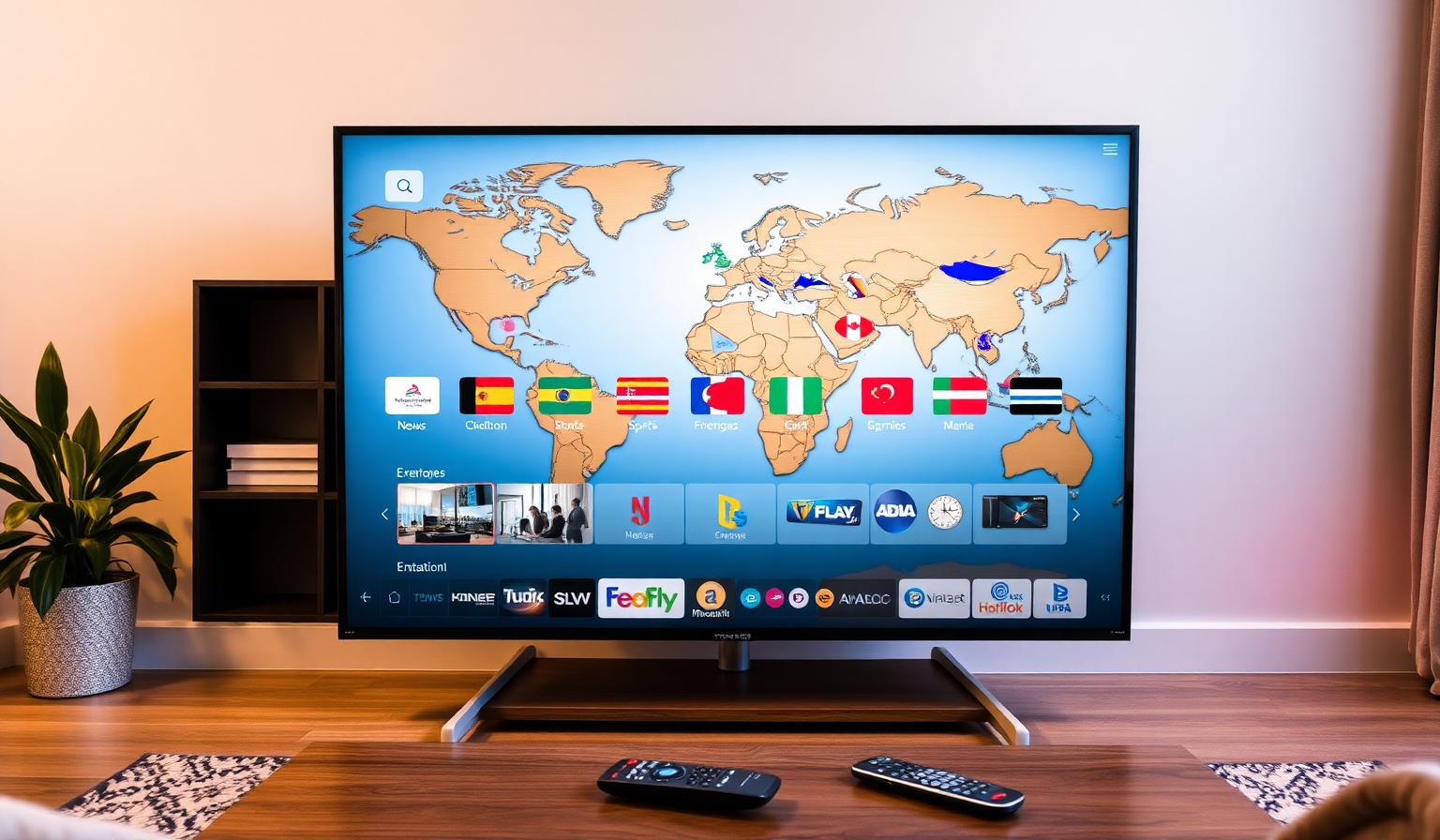
Watching international TV channels has never been easier. Whether you want to follow live news from your home country, catch live sports from another continent, enjoy original-language films and series, or simply explore the world's broadcasters from your sofa, today's streaming ecosystem makes it effortless. With a modern Smart TV, a streaming device like a Firestick or Chromecast, the right apps and a quality IPTV service, you can build a global TV setup that works in HD or 4K on any screen. In this guide, you'll discover the best ways to watch international TV channels in 2026 — the apps, devices, step-by-step setup, pros and cons, and the best practices that keep your streams smooth and reliable.
Why Watch International TV Channels?
International channels open up a world of perspectives — local news, regional sports leagues, live entertainment, original-language series and cultural programming you simply can't get from a single national broadcaster. Expats, travellers, sports fans, language learners and curious viewers all benefit from a setup that reaches beyond borders.
What You'll Need
- A Smart TV (Samsung, LG, Sony, TCL, Hisense) or any TV with a streaming device
- A reliable internet connection — 10–15 Mbps for HD, 25 Mbps+ for 4K UHD
- Broadcaster apps (BBC iPlayer, ITVX, RaiPlay, France.tv, RTVE, ARD/ZDF and more)
- Free, ad-supported services (Pluto TV, Samsung TV Plus, LG Channels, Tubi, Plex Live)
- A quality IPTV service for international live channels and VOD
- An IPTV player like IPTV Smarters Pro, TiviMate or OTT Navigator
Best Ways to Watch International TV Channels
1. Free 24/7 News Channels
- BBC News, Sky News, ITV News — UK
- France 24, Euronews, DW (Deutsche Welle) — Europe
- Al Jazeera English, TRT World, i24NEWS — MENA
- NHK World, CNA, CGTN — Asia
- Bloomberg TV, CNBC, NBC News NOW — USA
2. Public Broadcaster Apps
Most major broadcasters offer free apps for live and catch-up TV in their home country and beyond:
- BBC iPlayer, ITVX, Channel 4 — UK
- RaiPlay, Mediaset Infinity — Italy
- France.tv, TF1+ — France
- ARD Mediathek, ZDF Mediathek — Germany
- RTVE Play, Atresplayer — Spain
- SBS On Demand, ABC iview — Australia
3. Free, Ad-Supported Streaming (FAST)
- Pluto TV — hundreds of free live channels worldwide
- Samsung TV Plus and LG Channels — built into Smart TVs
- Tubi, The Roku Channel, Plex Live — wide free libraries
4. International Sports Apps
- DAZN — global live sports
- Fubo — strong on football and international leagues
- ESPN+, Eurosport, Sky Sports — premium leagues
- FIFA+ — free football content and live matches
5. IPTV Services for Worldwide Live TV
A quality IPTV service is the most complete way to watch international TV channels in their original language. With one subscription and a player like IPTV Smarters Pro, TiviMate or OTT Navigator, you get an organized channel grid with EPG (TV guide), favorites and VOD across regions like Europe, MENA, Asia, Africa, Latin America and North America.
Step-by-Step: Build Your Worldwide TV Setup
Step 1 — Test Your Internet
Run a speed test on your TV or phone using the same Wi-Fi network. Aim for 25 Mbps or more for stable HD and 4K live streams. Switch to wired Ethernet on your main TV when possible — it's the single biggest fix for buffering.
Step 2 — Pick Your Device
- Amazon Firestick 4K Max — affordable and app-rich
- Chromecast with Google TV — clean Android TV experience
- Apple TV 4K — premium hardware and AirPlay
- Nvidia Shield TV Pro — best-in-class for power users
Step 3 — Install Free Apps First
Start with the free essentials — BBC News, France 24, Al Jazeera English, Pluto TV, Samsung TV Plus and your favorite broadcaster apps. They give you a great foundation before adding any paid service.
Step 4 — Add a Quality IPTV Service
Sign up with a reputable IPTV provider, install IPTV Smarters Pro or TiviMate, and paste your playlist URL or Xtream Codes credentials once. Your full international channel grid appears, organized by category and country.
Step 5 — Organize Your Favorites
Group channels into clear categories — News, Sports, Movies, Kids, Music — and pin your top channels to favorites. A clean home screen is the key to a great daily experience.
Step 6 — Optimize Picture and Sound
- Switch the picture mode to Filmmaker, Cinema or Sports
- Enable HDR when supported by the channel and TV
- Pair with a soundbar or 5.1 system for cinematic depth
- Use HDMI 2.1 cables on streaming devices for 4K HDR live streams
Pros and Cons of Watching International TV Online
- • Access to channels from dozens of countries
- • Original-language programming with multi-language subtitles
- • HD and 4K HDR quality from your sofa
- • Works on Smart TV, Firestick, Android TV, iOS and PC
- • Often more affordable than cable or satellite
- • Mix of free, paid and IPTV options for flexibility
- • Requires a stable, high-speed internet connection
- • Some content is region-restricted by broadcasters
- • Live streams may buffer during peak hours
- • Older Smart TVs may lack the latest apps or codecs
- • Stacking too many subscriptions adds up quickly
Tips and Best Practices
- Use Ethernet on your main TV — it's the single biggest fix for buffering
- Keep your Smart TV firmware and apps up to date for the best codec support
- Group international channels by region for easier browsing
- Use a dedicated 5GHz Wi-Fi band for streaming devices
- Restart your router weekly to keep streaming sessions stable
- Try free broadcaster apps before paying for premium add-ons
Build a Reliable International TV Setup
The most reliable global TV setups stay simple: one fast internet connection, one streaming device, one IPTV player and a curated mix of free apps, broadcaster services and a quality IPTV subscription. Keep your favorites tidy, your router healthy and your firmware up to date — that's most of a great daily experience.
Want to dig deeper? Read our guide to watching live TV online worldwide, our top IPTV players for Smart TVs guide, or browse the subscription plans designed for global live TV in HD and 4K.
Conclusion
The best ways to watch international TV channels in 2026 all share the same DNA: a modern Smart TV or streaming device, a stable internet connection, a thoughtful mix of free apps, broadcaster services and a quality IPTV provider. Build that foundation once and you'll have a worldwide TV setup ready for live news, sports, movies and entertainment in dozens of languages — all from your sofa. Pick your channels, save your favorites, and enjoy the world from one remote.
Ready to start streaming?
Explore our subscription plans and get instant access to live TV, sports and a huge VOD library on any device.
View IPTV PlansFrequently Asked Questions
More from the blog
Complete guide to high quality streaming with VOD — best devices, internet speed needs, setup steps, pros & cons, and expert tips for the ultimate on-demand experience.
Complete guide to premium 4K streaming for IPTV — best devices, internet speed needs, HDR setup, pros & cons, and expert tips for stunning Ultra HD quality.