How to Follow FIFA World Cup 2026 in Europe (Country Guide)
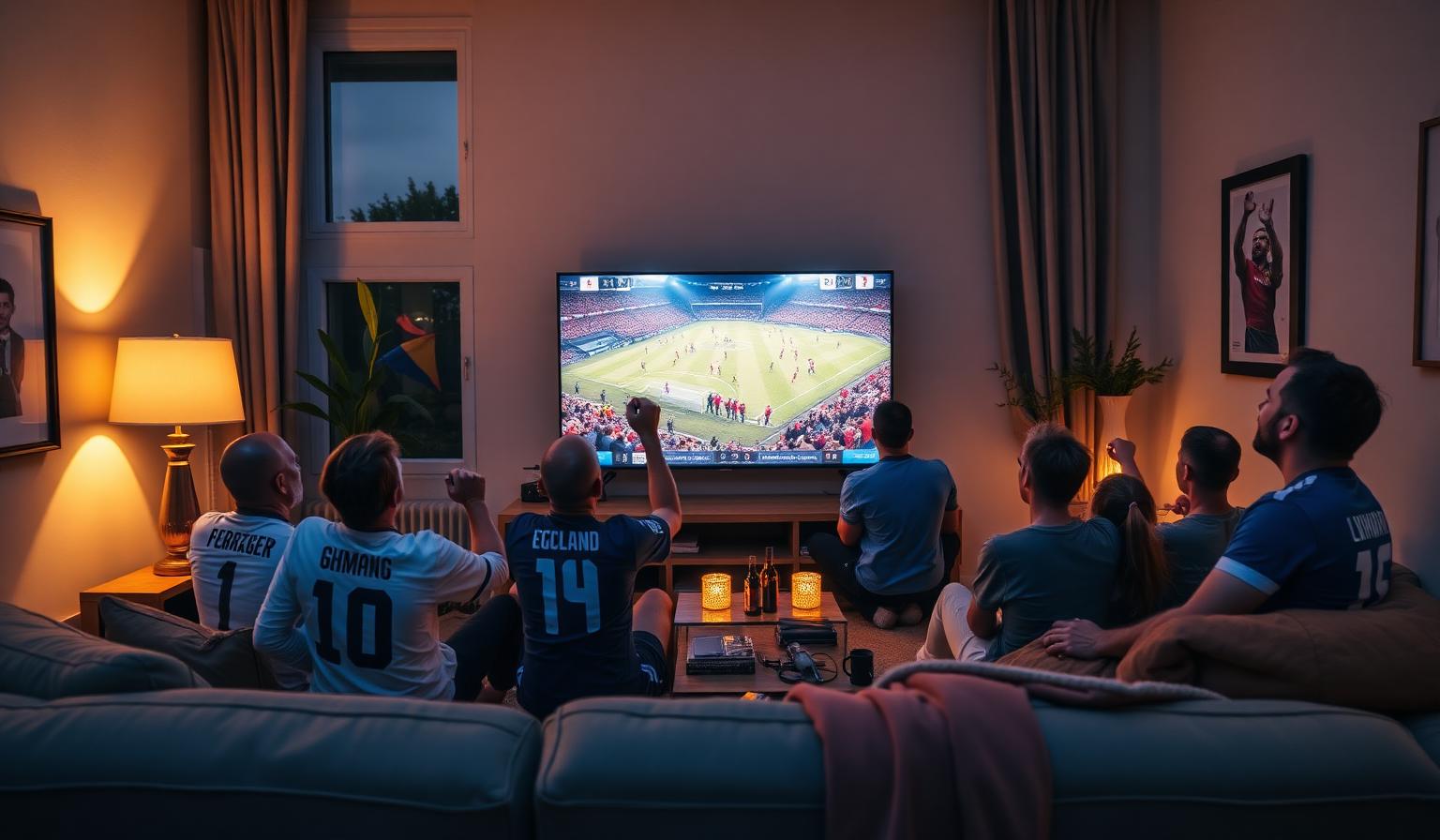
The FIFA World Cup 2026 will be the largest ever, with 48 national teams competing across the United States, Canada and Mexico. For European fans, that means staying up late, juggling time zones and choosing between dozens of broadcasters to catch every match. The good news? Following the World Cup 2026 in Europe has never been easier thanks to modern Smart TVs, streaming apps and reliable IPTV services. In this guide, you'll learn exactly how to follow the World Cup 2026 from any European country — which broadcasters to use, which devices give the best picture, how to handle time zones, and the small setup tips that make the difference between a smooth match night and a frustrating one.
Why Following the World Cup 2026 in Europe Is Different
Because the tournament is hosted in North America, kickoff times in Europe will mostly fall in the late afternoon, evening and overnight hours. That's actually great news for fans — most matches will fit perfectly into post-work viewing, especially the headline group-stage games and knockouts. But it also means choosing the right setup matters: a stable internet connection, a comfortable Smart TV, and the right combination of free-to-air channels and streaming apps so you never miss a minute.
What You'll Need Before Kickoff
- A Smart TV (Samsung, LG, Sony, Philips, Hisense, TCL) or any TV with a streaming device
- A reliable internet connection — at least 15 Mbps for HD, 25 Mbps+ for 4K UHD
- Access to your country's official broadcaster (free-to-air or pay-TV)
- A modern streaming or IPTV app to organize live channels and EPG in one place
- Optional: a soundbar or 5.1 system to capture stadium atmosphere
Step-by-Step: How to Follow the World Cup 2026 in Europe
Step 1 — Identify Your Country's Broadcasters
Each European country has its own mix of free-to-air and pay-TV partners. Here's a quick reference for the major markets:
- United Kingdom: BBC One, BBC iPlayer, ITV1, ITVX
- France: TF1, M6, beIN Sports
- Germany: ARD (Das Erste), ZDF, MagentaTV
- Italy: RAI 1, RAI Play
- Spain: RTVE (La 1), RTVE Play
- Portugal: RTP1, RTP Play, SPORT TV
- Netherlands: NOS, NPO Start
- Belgium: VRT, RTBF
- Switzerland: SRF, RTS, RSI
- Austria: ORF
- Poland: TVP Sport
- Nordics: SVT (Sweden), NRK (Norway), DR (Denmark), Yle (Finland)
Step 2 — Choose How You'll Watch
You generally have three options to follow the World Cup 2026 in Europe:
- Free-to-air TV apps — install your country's public broadcaster app on your Smart TV (BBC iPlayer, RAI Play, RTVE Play, ARD/ZDF Mediathek, etc.)
- Pay-TV streaming apps — beIN Sports, Sky Sports, DAZN, Canal+, MagentaTV and similar premium services for additional camera angles and 4K HDR
- IPTV players — aggregate multiple European broadcasters in one organized interface using apps like IPTV Smarters Pro, TiviMate or OTT Navigator
Step 3 — Set Up Your Smart TV
Update your Smart TV firmware, then install the apps you need from your TV's app store (Samsung Tizen Store, LG Content Store, Google Play on Android TV, App Store on Apple TV). Sign in with your account credentials and let each app load its EPG (Electronic Program Guide). For older TVs, plug in a Firestick, Chromecast with Google TV or Apple TV to unlock modern apps and 4K HDR support.
Step 4 — Plan Around European Time Zones
Most matches will kick off between 5:00 PM and 4:00 AM CET. Use your streaming app's EPG to set reminders for your team's group-stage matches, and add favourite channels to a custom list so you can switch quickly between simultaneous games. If a match starts late, consider recording it through your Smart TV's PVR feature or a cloud DVR if your provider offers one.
Step 5 — Optimize Picture and Sound
- Switch the picture mode to Sports or Filmmaker / Cinema
- Enable HDR if your TV and stream support it
- Use a wired Ethernet connection or a strong 5GHz Wi-Fi signal
- Pair your TV with a soundbar or 5.1 system for richer match audio
- Dim the room lights for a more cinematic match-night atmosphere
Pros and Cons of Watching the World Cup 2026 in Europe
- • Most matches air in convenient evening hours for European fans
- • Strong free-to-air coverage in nearly every country
- • Wide availability of 4K HDR feeds via Smart TVs and streaming devices
- • Multiple language options, including local commentary
- • Easy multi-screen viewing for simultaneous group-stage matches
- • Some knockout matches may finish in the early hours of the morning
- • Premium 4K feeds often require a paid subscription
- • Older Smart TVs may lack the apps or codecs needed for HDR
- • Live streams can buffer during peak match traffic
Best Practices and Pro Tips
- Test your full setup at least one day before the opening match — don't wait for kickoff
- Group all sports channels into a favorites list for quick switching between simultaneous group games
- Restart your router and Smart TV before big knockout matches
- Keep a backup device (phone, tablet or Firestick) ready in case the main app freezes
- Mute notifications on your phone to avoid spoilers during delayed viewing
- If you're travelling between European countries, check that your streaming apps work cross-border
Troubleshooting Live Match Issues
If a stream freezes mid-match, first check your Wi-Fi signal and switch to a wired connection if available. Lower the stream quality temporarily — going from 4K to 1080p often fixes buffering instantly. Clear the app's cache from your TV settings and restart it. If the EPG looks empty, give the app a minute to refresh, or trigger a manual update from its settings menu.
Want to dive deeper into setup? Read our Samsung & LG Smart TV setup guide, our how to watch the World Cup on Smart TV guide, or browse the subscription plans designed for live sports and 4K streaming.
Conclusion
Following the FIFA World Cup 2026 in Europe is mostly about preparation. Pick the right combination of free-to-air apps and a quality streaming or IPTV service, update your Smart TV, optimize your picture and sound, and lock in a stable internet connection. Once everything is in place, every group-stage clash, every dramatic knockout match and the final itself will be just one click away — in stunning HD or 4K, with the commentary you love. The biggest tournament in football history is coming, and your living room is ready to host it.
Ready to start streaming?
Explore our subscription plans and get instant access to live TV, sports and a huge VOD library on any device.
View IPTV PlansFrequently Asked Questions
More from the blog
Complete guide to streaming the FIFA World Cup 2026 with IPTV — best devices, apps, internet speeds, setup steps and tips for HD & 4K live football.
Complete guide to high quality streaming with VOD — best devices, internet speed needs, setup steps, pros & cons, and expert tips for the ultimate on-demand experience.