IPTV Not Working? Common Problems and Fixes
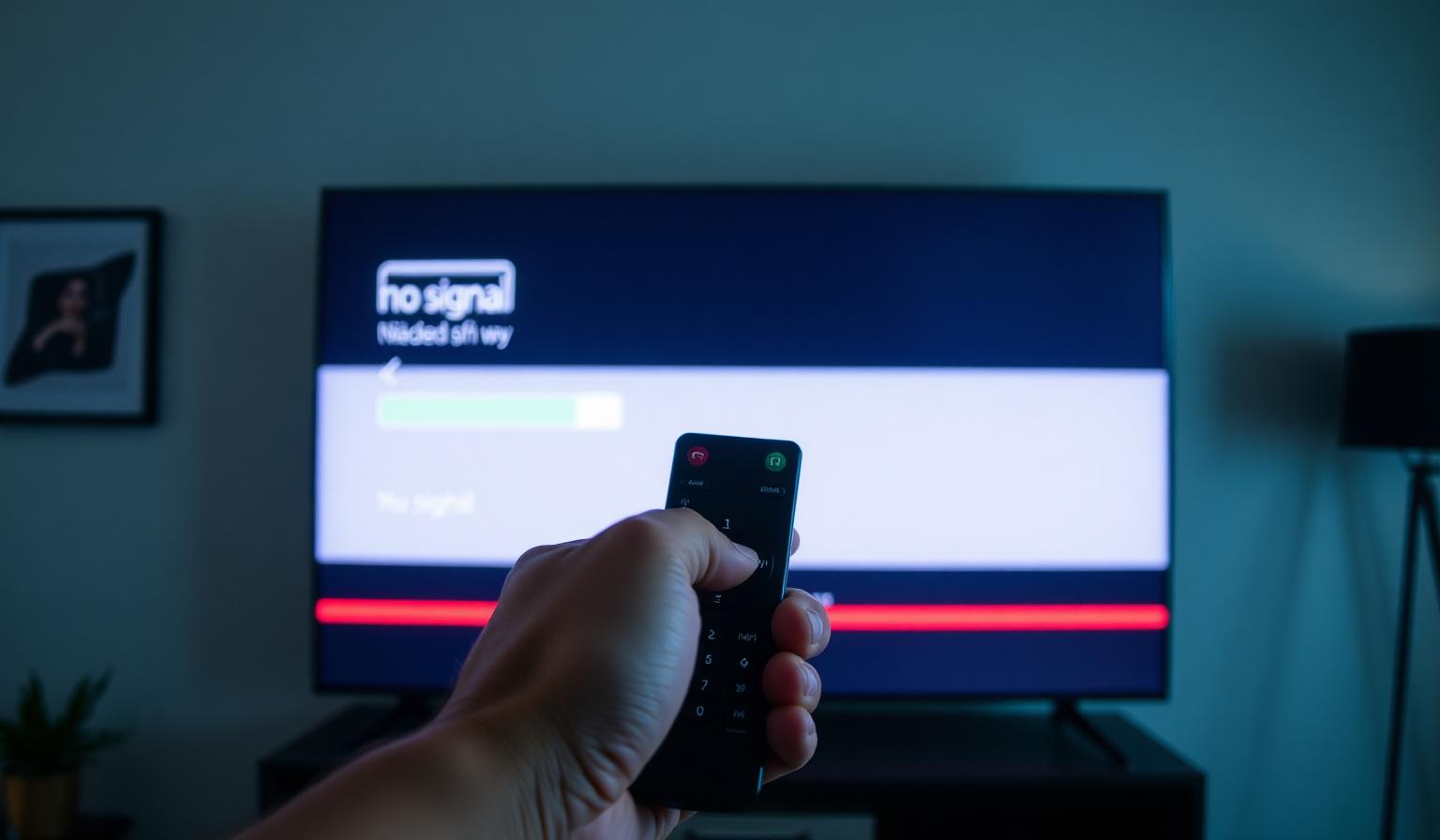
IPTV not working when you sit down to relax is one of the most frustrating things that can happen to any streaming fan. One minute everything is fine, the next you're staring at a buffering wheel, a black screen or an endless "loading" message. The good news is that most IPTV problems are simple to diagnose and fix on your own — without any technical background. In this guide, you'll learn the most common reasons IPTV stops working, how to troubleshoot them step by step on Smart TV, Firestick, Android boxes and mobile devices, and which best practices keep your streams smooth in the long run. By the end, you'll know exactly where to look the next time something goes wrong.
Why Is My IPTV Not Working?
Before jumping into fixes, it helps to understand what can actually break a live TV stream. Unlike traditional cable, IPTV depends on several moving parts: your internet connection, your router, your device, the streaming app and the provider's servers. A weakness in any one of these links can cause buffering, freezing or "no signal" errors. Most of the time, the issue is local — something on your side of the screen — and can be fixed in a few minutes.
The Most Common Causes
- Slow or unstable internet: live streams need consistent bandwidth, not just high peak speed.
- Wi-Fi interference: walls, neighbors' networks, and 2.4GHz congestion all reduce stability.
- Outdated app or firmware: old player versions can fail to read newer playlists.
- Expired subscription or wrong credentials: a simple but very common reason for "connection failed" messages.
- Server-side maintenance: brief downtime when the provider updates or reroutes traffic.
- ISP throttling: some providers slow down streaming traffic during peak hours.
Step-by-Step Guide: How to Fix IPTV Problems
Work through these steps in order. In most cases you'll have your stream back before reaching the end of the list.
1. Check Your Internet Connection
Run a quick speed test on the same device you use for IPTV. For HD streams aim for at least 15 Mbps, and 25 Mbps or more for 4K. Equally important is stability: a 50 Mbps connection that drops every few seconds will buffer worse than a steady 20 Mbps line. If possible, plug your TV or streaming box into the router using an Ethernet cable.
2. Restart Your Router and Device
Power off your router for at least 30 seconds, then turn it back on. While it reboots, fully restart your Smart TV, Firestick or Android box (don't just put it to sleep). This single step solves a surprising number of "IPTV not working" issues.
3. Update or Reinstall the IPTV App
Outdated players are a common culprit. Open your app store, check for updates to your IPTV player, and install the latest version. If problems persist, uninstall and reinstall the app cleanly, then re-enter your playlist or login details.
4. Verify Your Subscription and Credentials
Log into your provider's portal and confirm that your subscription is active and that the playlist URL or M3U link hasn't changed. Typos in the username or password are responsible for many "authorization failed" errors.
5. Change Your DNS
Slow or filtered DNS servers can break stream loading. In your router or device network settings, switch to a public DNS like Cloudflare (1.1.1.1) or Google (8.8.8.8). This often improves both load times and channel switching.
6. Test With a VPN
If your internet works but streams stutter, your ISP may be throttling traffic. A reputable VPN with a server close to you can bypass this. If performance improves with the VPN on, throttling was likely the cause.
7. Try Another Device or Network
Open the same playlist on your phone over mobile data. If it works there, the issue is your home network or TV setup. If it fails everywhere, it's likely a provider-side outage — wait a few minutes and try again.
Pros and Cons of Troubleshooting IPTV Yourself
Pros
- • Fast — most fixes take under five minutes.
- • No need to wait for support during peak hours.
- • You learn how your streaming setup really works.
- • Improves long-term stability, not just one-time issues.
Cons
- • Some issues (like server outages) are out of your hands.
- • Wrong settings can briefly make things worse.
- • Older devices may have hardware limits no fix can solve.
Best Practices to Avoid IPTV Issues
- Use a wired Ethernet connection for your main TV whenever possible.
- Keep your router firmware, TV firmware and IPTV app updated.
- Place your router in a central, open location — not inside a cabinet.
- Restart your router once a week to clear memory and connections.
- Choose a stream quality that matches your real internet speed (don't force 4K on a 10 Mbps line).
- Keep a backup player installed in case your main app misbehaves.
Device-Specific Tips
Each platform has its own quirks. If you're on Firestick, learn the basics of clearing app cache and managing storage in our Firestick IPTV setup guide. Android TV users can find optimization tips in our Android TV beginner guide. And if you're choosing between players, check our roundup of the best IPTV apps for Android and Firestick — picking the right app often eliminates issues before they appear.
When to Contact Your Provider
If you've gone through every step above and streams still won't load, it's time to reach out to support. Send them clear details: which channels fail, the error message you see, your device, your internet speed and whether other apps work normally. The more specific you are, the faster they can help you.
Conclusion
Most "IPTV not working" problems come down to a handful of recurring causes: weak Wi-Fi, outdated apps, DNS issues, or temporary server hiccups. With the step-by-step approach above, you can solve the vast majority of them yourself in just a few minutes — and the best practices section will help you prevent them from coming back. A reliable streaming experience starts with a stable network, a well-maintained device and a quality provider that invests in solid infrastructure.
Ready to start streaming?
Explore our subscription plans and get instant access to live TV, sports and a huge VOD library on any device.
View IPTV PlansFrequently Asked Questions
More from the blog
Complete guide to high quality streaming with VOD — best devices, internet speed needs, setup steps, pros & cons, and expert tips for the ultimate on-demand experience.
Complete guide to premium 4K streaming for IPTV — best devices, internet speed needs, HDR setup, pros & cons, and expert tips for stunning Ultra HD quality.