Top Streaming Apps for Live TV in 2026
Top Streaming Apps for Live TV in 2026: A Complete Guide
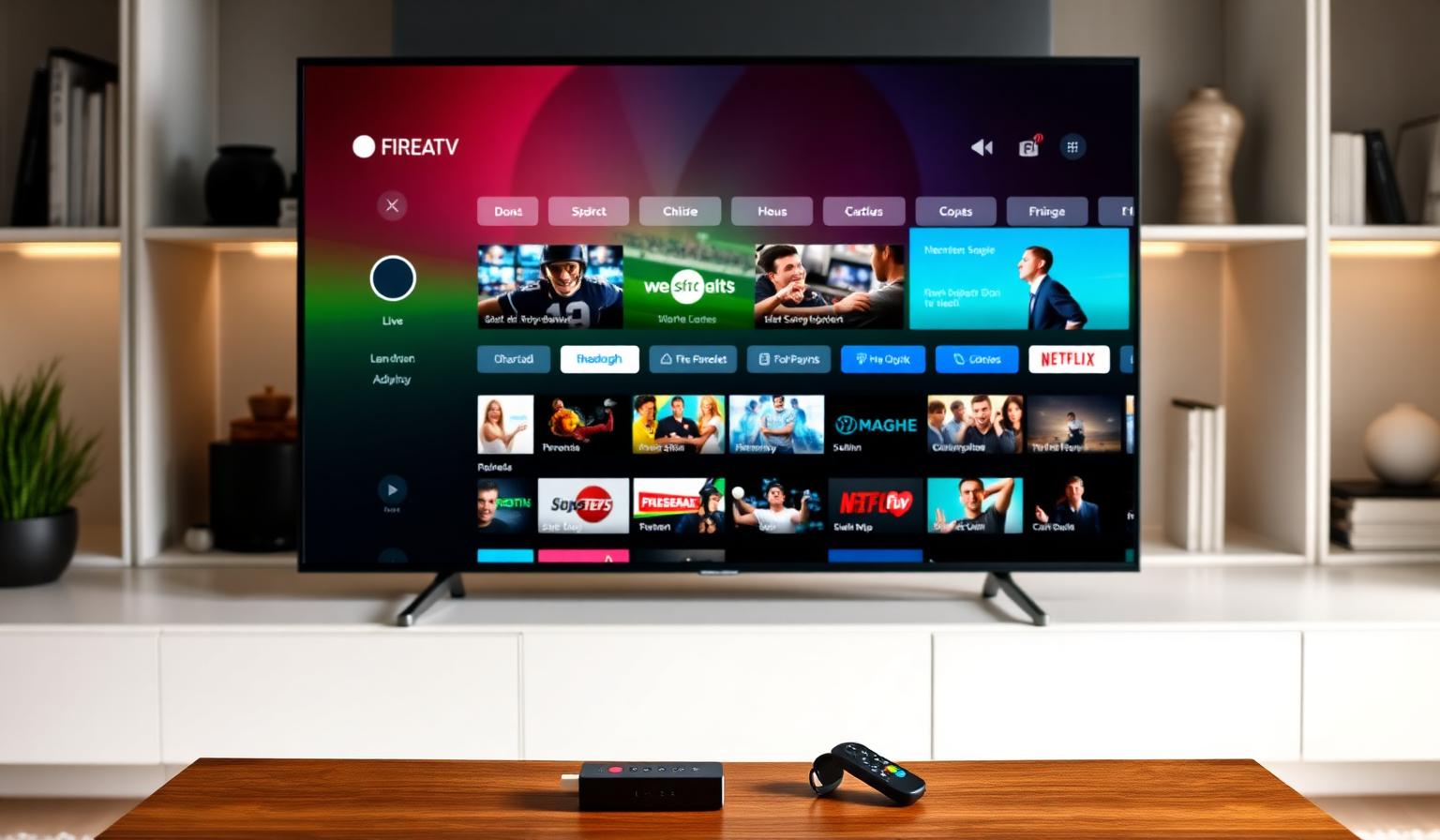
Live TV has officially moved beyond the cable box. In 2026, more viewers than ever are watching news, sports and prime-time channels through streaming apps installed on a Smart TV, Firestick or Android TV device. The good news: the app ecosystem has matured. Interfaces are smoother, EPGs (electronic program guides) are richer, and playback is more reliable across 4K and HDR. The challenge is choosing the right app for your screen, remote and viewing habits. This guide walks through the top streaming apps for live TV in 2026, what makes each one stand out, and how to set them up step by step. Whether you want a polished guide, multi-screen support or a simple no-fuss player, there is an option here for you.
Why Streaming Apps Replaced the Cable Box
The shift away from cable has been gradual, but it accelerated as Smart TVs became powerful enough to run full app stores. Today, a modern television behaves more like a phone: you install apps, sign in and watch. Streaming apps for live TV bring three big advantages over traditional broadcast hardware:
- Channels follow you across devices — TV, tablet, phone, laptop.
- EPGs are interactive, searchable and often include catch-up.
- Picture quality scales up to 4K HDR when your provider supports it.
With a Firestick, Android TV box or a recent Samsung/LG/Sony Smart TV, you can build a full live TV setup in under 15 minutes — no installer, no coaxial cable.
The Best Streaming Apps for Live TV in 2026
Below are the apps consistently rated as the most reliable, fastest and most user-friendly across Android TV, Firestick and Smart TV platforms in 2026.
1. TiviMate — The Premium EPG Experience
TiviMate remains the favorite of power users on Android TV and Firestick. Its calling card is the polished, magazine-style electronic program guide. Channels load fast, the interface scales beautifully on big screens, and multi-playlist support lets you mix sources. The premium tier adds DVR-style recording, multi-view and custom theming.
- Best for: Android TV, Google TV and Firestick remotes.
- Strengths: Beautiful EPG, recordings, smooth navigation.
- Watch-out: Not available on Apple TV or iOS.
2. IPTV Smarters Pro — The Universal All-Rounder
IPTV Smarters Pro is the safe choice when you want one app on every device. It works on Android, iOS, Firestick, Smart TV (via the Player Lite version), Windows and macOS. Live TV, movies and series live in clearly separated tabs, and external player support lets you send streams to VLC or MX Player when needed.
- Best for: Mixed-device households.
- Strengths: Cross-platform, simple UI, reliable playback.
- Watch-out: EPG is functional but less refined than TiviMate.
3. OTT Navigator — Power User Choice
OTT Navigator is built for viewers who want deep customization: archive support, advanced EPG controls, picture-in-picture and favorites that sync across profiles. It runs smoothly on Android TV and Firestick, and it handles long-running streams (sports, news) without losing the program guide.
4. Kodi with PVR Add-ons
Kodi is the open-source veteran. With a PVR client like IPTV Simple Client, it turns into a full live TV center. It is the most flexible option on this list — and the most technical. Great for tinkerers who want to integrate live channels with their local media library.
5. Sparkle TV / XCIPTV
These two have grown into popular alternatives in 2026 thanks to clean designs and lightweight performance on lower-end Firestick models. Both support EPG, catch-up and modern remote layouts.
Step-by-Step: How to Set Up a Live TV App
Most modern live TV apps follow the same install pattern. Here is a clean walkthrough that works on Android TV, Google TV and Firestick.
- Open your device's app store (Google Play Store or Amazon Appstore).
- Search for the app (e.g. TiviMate, IPTV Smarters Pro).
- Install and open it. Accept the permissions prompt.
- Add your provider's playlist URL or login from your subscription details.
- Wait for the EPG to load — usually 30–60 seconds the first time.
- Open the channel grid, pick a channel and start watching.
If you are setting up live TV on a streaming stick for the first time, our Firestick beginner guide walks through device-specific tips. Android TV users can follow our Android TV install guide for the same flow with Google TV nuances.
Pros and Cons of Streaming Live TV in 2026
Pros
- Lower monthly cost vs. legacy cable bundles.
- Works on the devices you already own.
- Modern EPGs with search, catch-up and reminders.
- 4K HDR support on flagship channels.
- Watch on the go with mobile-friendly apps.
Cons
- Quality depends on your internet stability.
- Older Smart TVs may need an external stick.
- Some apps are Android-only (no Apple TV).
- Initial setup can feel unfamiliar to first-timers.
Tips and Best Practices
- Use Ethernet when you can. Live streams are far more sensitive to jitter than on-demand video.
- Set DNS to 1.1.1.1 or 8.8.8.8 for faster channel switching and fewer playlist load failures.
- Keep two players installed. If one app misbehaves after an update, the second one keeps you watching.
- Update apps monthly. Live TV apps push frequent fixes for codecs and EPG sources.
- Match the resolution to your TV. Forcing 4K on a 1080p panel just wastes bandwidth.
Pairing the right app with a quality service makes a noticeable difference. If you are still comparing options, our best IPTV apps roundup breaks down the strengths of each player in more depth.
Choosing the Right App for Your Setup
Use this quick decision shortcut:
- Android TV / Firestick + premium feel: TiviMate.
- Mixed devices including iPhone or iPad: IPTV Smarters Pro.
- Sports and news with archive needs: OTT Navigator.
- Tinkerers and home theater fans: Kodi with PVR add-ons.
- Older or low-end Firestick: Sparkle TV or XCIPTV.
Conclusion
Streaming apps have made live TV more flexible, more personal and often better-looking than the legacy cable experience. In 2026, the right combination of a stable connection, a capable Smart TV or streaming stick, and a polished player like TiviMate or IPTV Smarters Pro is enough to cover everything from the morning news to Sunday-night football. Pick the app that matches your remote and your viewing style, take a few minutes to set it up, and you are ready to enjoy a modern live TV experience without the cable box.
Ready to start streaming?
Explore our subscription plans and get instant access to live TV, sports and a huge VOD library on any device.
View IPTV PlansFrequently Asked Questions
More from the blog
Complete guide to high quality streaming with VOD — best devices, internet speed needs, setup steps, pros & cons, and expert tips for the ultimate on-demand experience.
Complete guide to premium 4K streaming for IPTV — best devices, internet speed needs, HDR setup, pros & cons, and expert tips for stunning Ultra HD quality.