Best Streaming Solutions for Travelers (2026)
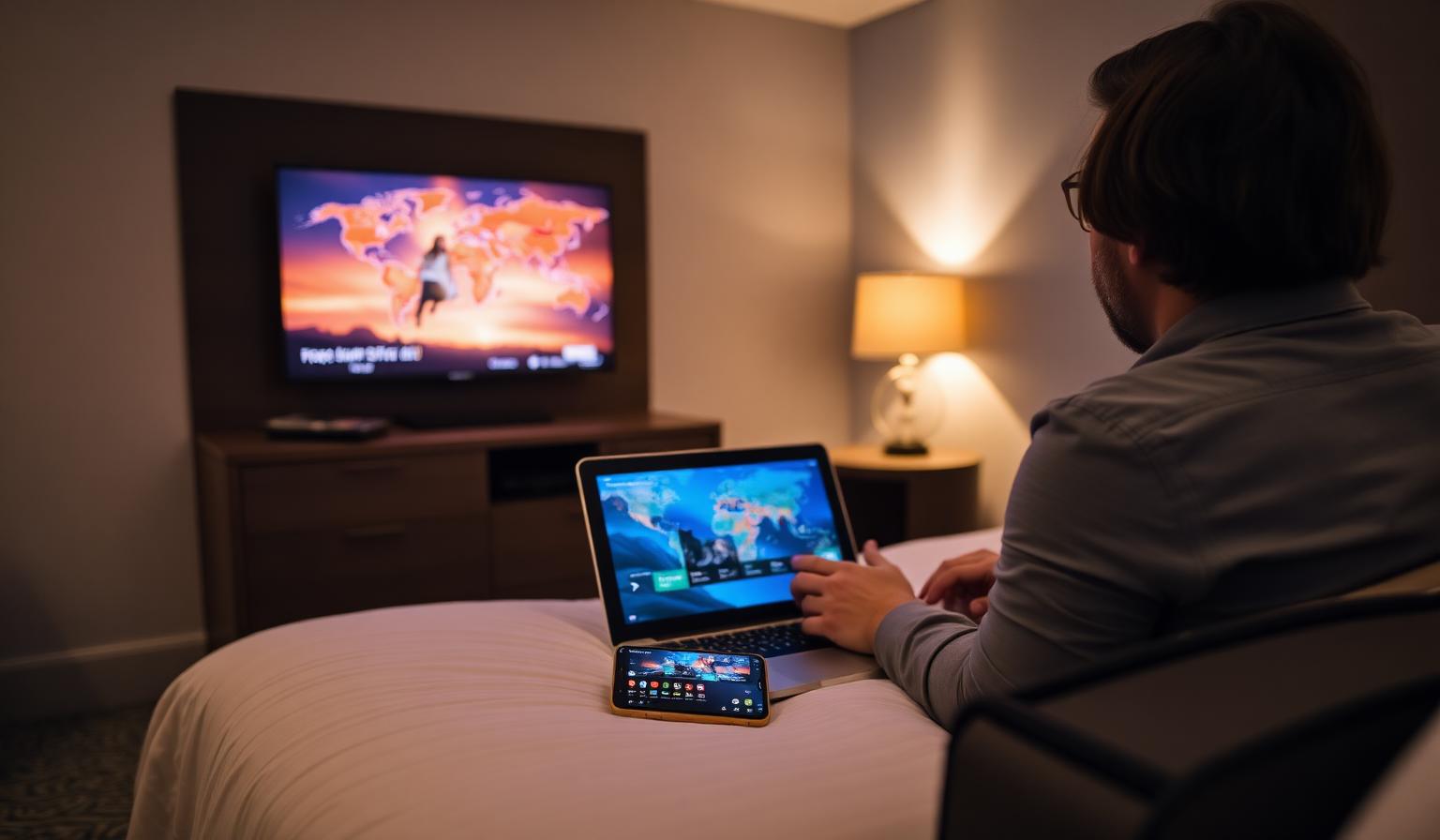
Traveling no longer means missing your favorite live TV, sports or movies. With the right streaming setup, you can take your home entertainment with you — to a hotel in Paris, an apartment in Dubai, an Airbnb in Tokyo or a long-haul flight layover. Modern streaming apps, portable devices like the Firestick and Chromecast, and quality IPTV services let you turn any screen into your personal TV. In this guide, you'll discover the best streaming solutions for travelers in 2026 — the apps, devices, internet tips, step-by-step setup, pros and cons, and best practices that keep your streams smooth on hotel Wi-Fi, mobile data and everything in between. Pack light, stream smart, and enjoy live TV from anywhere in the world.
Why Travelers Need a Smart Streaming Setup
Whether you're a digital nomad, a frequent business traveler or just on holiday, streaming on the road keeps you connected to the news, sports and shows you love. A good travel setup is light, flexible and works on any TV or screen — from a hotel flat-panel to a tablet on the train.
What to Pack for Streaming on the Go
- A smartphone or tablet with your favorite streaming apps installed
- A lightweight streaming stick — Amazon Firestick 4K Max or Chromecast with Google TV
- A short HDMI extender cable (helps reach awkward TV ports)
- A USB-C power adapter and a spare cable
- Wired earbuds or Bluetooth headphones for late-night viewing
- A reliable VPN app for public Wi-Fi security
- A 5G mobile hotspot or international SIM as a Wi-Fi backup
Best Streaming Solutions for Travelers
1. Streaming Apps That Travel With You
- Netflix, Prime Video, Disney+ — global libraries with offline downloads
- YouTube and YouTube Premium — background play and downloads
- Spotify and Apple Music — perfect for flights and long drives
- Pluto TV, Tubi, Plex Live — free live channels worldwide
2. Live News and Sports on the Road
- BBC News, Al Jazeera English, France 24, DW — free 24/7 live news
- DAZN, Fubo, ESPN+ — global live sports
- FIFA+ — free football content and live matches
3. Portable Streaming Devices
- Amazon Firestick 4K Max — pocket-sized, app-rich, plug into any HDMI TV
- Chromecast with Google TV — clean Android TV experience and casting
- Apple TV 4K — premium hardware with AirPlay from your iPhone
- Roku Streaming Stick 4K — light, simple and great battery-friendly remote
4. IPTV for One-App Live TV Anywhere
A quality IPTV service is the most efficient way to bring your full home TV experience on the road. Install IPTV Smarters Pro, TiviMate or OTT Navigator on your travel device, sign in once, and your channel grid, EPG, favorites and VOD are ready in your hotel, apartment or rental.
5. Backup Internet for Hotel Wi-Fi Issues
- A 5G mobile hotspot from your carrier or a travel SIM
- An eSIM from providers like Airalo or Holafly for instant data abroad
- A portable travel router to share one connection across all your devices
Step-by-Step: Build Your Travel Streaming Kit
Step 1 — Pick Your Main Travel Screen
Decide whether your phone, tablet or laptop will be your primary screen. Tablets hit the sweet spot for movies and live TV in hotel rooms, while a phone is perfect for trains, planes and short trips.
Step 2 — Pack a Streaming Stick
A Firestick or Chromecast turns any hotel HDMI TV into your personal streaming hub. Pack a short HDMI extender — many wall-mounted TVs have tight ports.
Step 3 — Install Your Apps Before You Leave
Sign in to all your apps at home — Netflix, Prime Video, Disney+, BBC iPlayer, your IPTV player and a VPN. Download a few movies and series for offline viewing on flights and long transfers.
Step 4 — Connect to Wi-Fi Smartly
- Use the hotel's captive portal page to authenticate streaming sticks
- Prefer the 5GHz Wi-Fi band when offered for stable HD streams
- Keep a 5G hotspot or eSIM ready as a backup
- Enable a VPN on public Wi-Fi for privacy and security
Step 5 — Optimize Picture and Battery
- Set streaming quality to Auto on mobile data to save bandwidth
- Switch to HD or 4K on stable Wi-Fi for cinematic quality
- Use wired earbuds on flights to save battery
- Carry a 20,000 mAh power bank for long travel days
Pros and Cons of Streaming While Traveling
- • Watch your favorite content from anywhere in the world
- • Lightweight setup — fits in a small pocket of your bag
- • Works on hotel TVs, tablets, phones and laptops
- • Live news, sports and movies in HD or 4K
- • Offline downloads for flights and long transfers
- • One IPTV subscription brings your full home channel grid
- • Hotel Wi-Fi can be slow or unstable in peak hours
- • Captive portals sometimes block streaming sticks
- • Some apps are region-restricted without a VPN
- • Mobile data plans can add up on long trips
- • Battery life matters — pack a quality power bank
Tips and Best Practices for Travel Streaming
- Download movies and shows on Wi-Fi before flights and train rides
- Pack a short HDMI extender to fit awkward hotel TV ports
- Test your streaming stick at home before your trip
- Keep app passwords saved in a password manager for quick re-logins
- Use an eSIM for instant data abroad without swapping SIM cards
- Always enable a VPN on public Wi-Fi for safer streaming
- Bring wired earbuds — they save battery and never need pairing
A Streaming Setup That Travels Light
The best travel streaming setups stay simple: one tablet or phone, one streaming stick, a curated set of apps, an IPTV service for live TV and a backup mobile hotspot. Set it up once, log in everywhere, and your home entertainment fits inside a small pouch.
Want to go deeper? Read our guide to watching international TV channels, our top IPTV players for Smart TVs guide, or browse the subscription plans designed for live TV in HD and 4K on any device, anywhere.
Conclusion
The best streaming solutions for travelers in 2026 share the same DNA: a lightweight device, a thoughtful mix of apps, a quality IPTV service and a backup internet plan. Pack a Firestick or Chromecast, install your favorite apps, sign in to your IPTV player and add a 5G hotspot for peace of mind. With this kit, you'll enjoy live news, sports and movies from your home country — and discover new channels worldwide — on any TV or screen, no matter where the road takes you.
Ready to start streaming?
Explore our subscription plans and get instant access to live TV, sports and a huge VOD library on any device.
View IPTV PlansFrequently Asked Questions
More from the blog
Complete guide to high quality streaming with VOD — best devices, internet speed needs, setup steps, pros & cons, and expert tips for the ultimate on-demand experience.
Complete guide to premium 4K streaming for IPTV — best devices, internet speed needs, HDR setup, pros & cons, and expert tips for stunning Ultra HD quality.