IPTV Subscription: The Complete Guide (2026)
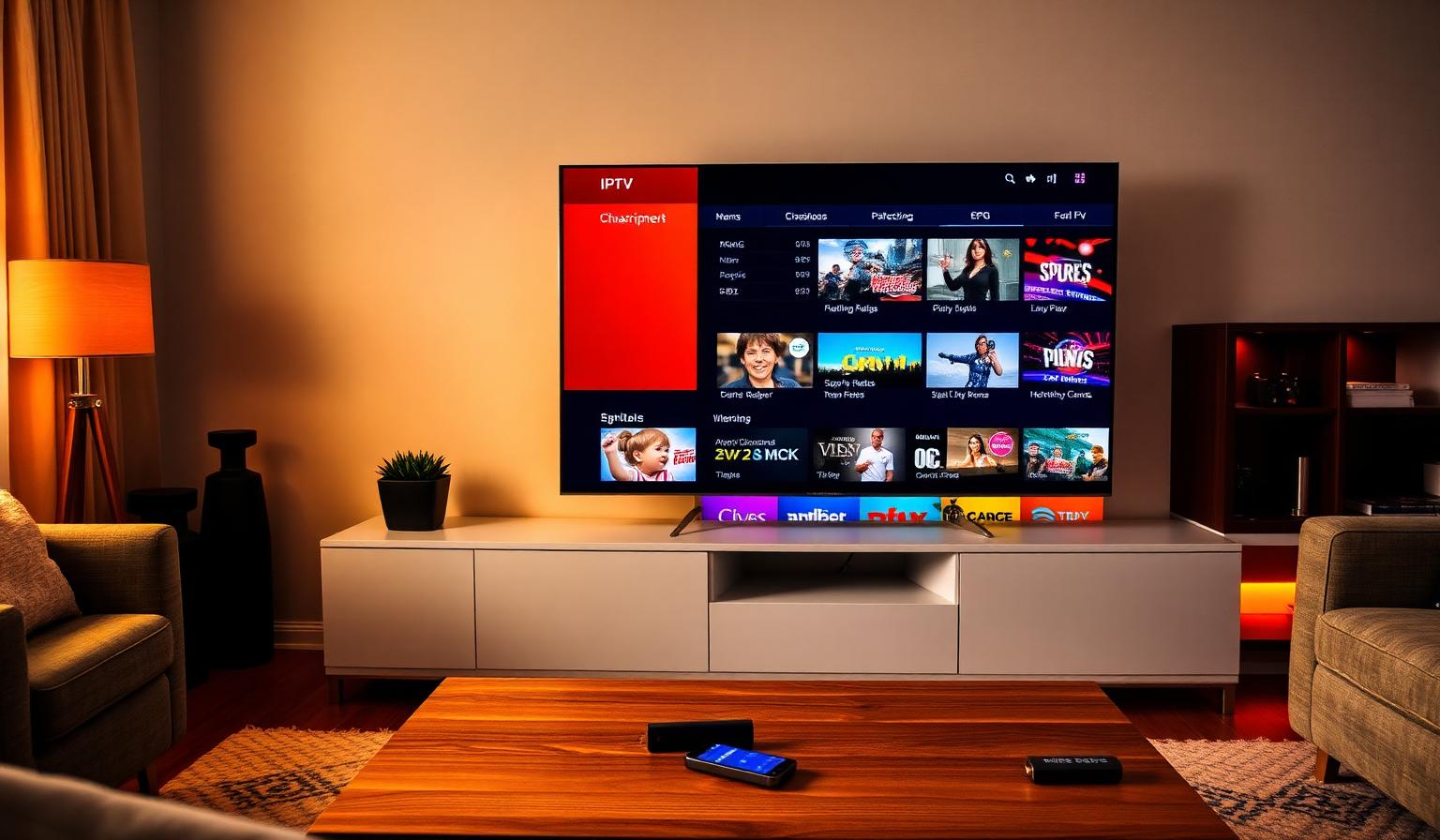
An IPTV subscription is the modern way to watch live TV, sports and on-demand movies on any screen in your home. Instead of relying on a cable box or satellite dish, you stream channels over the internet through a simple app — on your Smart TV, Firestick, phone, tablet or computer. In 2026, IPTV subscriptions deliver HD and 4K UHD video, multi-day EPG, huge VOD libraries and multi-device support, all from a single playlist link. In this guide you will learn exactly what an IPTV subscription is, how it works, which apps and devices are best, how to set it up step by step, plus pros, cons and tips for a smooth streaming experience.
What Is an IPTV Subscription?
IPTV stands for Internet Protocol Television. An IPTV subscription is a paid plan that delivers live channels and on-demand content over your internet connection. Your provider gives you either an M3U playlist URL or Xtream Codes credentials. You enter them once into an IPTV player app, and your full lineup — channels, logos, categories, EPG and VOD — loads automatically. Think of it as a software-based replacement for a traditional cable subscription, with more flexibility and far less hardware to install.
How an IPTV Subscription Works
When you press play, your IPTV player sends a request through the internet to your provider's servers. The server streams the channel back in real time, your app decodes it, and the picture appears on screen. Modern providers use multiple servers around the world plus a content delivery network (CDN) to keep streams close to you, which is why a good IPTV subscription feels as fast and reliable as cable — sometimes faster.
What's Included in a Quality IPTV Subscription
- Thousands of live channels from many countries
- Sports packages with HD and 4K UHD options
- News, kids, music and lifestyle categories
- VOD library with movies and full TV series
- Multi-day EPG (electronic program guide)
- Multi-device support — Smart TV, Firestick, mobile and PC
- 24/7 customer support
Best Apps for an IPTV Subscription
The right player makes a big difference. These are the most popular IPTV apps in 2026:
- IPTV Smarters Pro — works on almost every device, supports M3U and Xtream
- TiviMate — premium experience for Android TV and Firestick
- OTT Navigator — fast EPG, customizable layout, great for power users
- Smart IPTV (SIPTV) — popular on Samsung and LG Smart TVs
- GSE Smart IPTV — solid choice for iOS and iPadOS
For a deeper comparison, read our roundup of the best IPTV apps in 2026.
Step-by-Step Setup Guide
On a Smart TV (Samsung / LG)
- Open the app store on your TV and install Smart IPTV or IPTV Smarters Pro.
- Note the device MAC address shown on the app's home screen.
- Sign in to your provider portal and add your M3U playlist URL.
- Reboot the app — channels, logos and EPG load automatically.
Need pictures? Follow our Samsung & LG setup guide for screenshots of every step.
On Amazon Firestick
- Search the Amazon Appstore for "IPTV Smarters Pro" and install it.
- Open the app and choose "Login with Xtream Codes API" or "Add M3U URL".
- Paste the credentials from your welcome email and save.
- Browse Live TV, Series and Movies sections with your remote.
On Android TV / Google TV
- Install TiviMate or OTT Navigator from the Play Store.
- Add a new playlist using your M3U URL or Xtream credentials.
- Enable the EPG source for a full TV guide.
- Sort favorites and start streaming in HD or 4K.
On iOS and Android Phones
- Install IPTV Smarters Pro or GSE Smart IPTV from the App Store / Play Store.
- Choose M3U URL or Xtream login and paste your details.
- Use the categories tab to find live, series and VOD content.
Pros and Cons of an IPTV Subscription
Pros
- • Replaces cable, satellite and multiple subscriptions
- • Works on Smart TV, Firestick, Android, iOS and PC
- • HD and 4K UHD streaming with modern codecs
- • Huge live channel lineup plus VOD library
- • Quick channel switching and minimal buffering
- • Easy to move between devices
Cons
- • Requires a stable internet connection
- • 4K playback needs faster speeds and a capable TV
- • Some apps need a short learning curve
- • Free or unverified playlists are unreliable
How to Choose the Right IPTV Subscription
- Channel lineup: check that your favorite channels and languages are included.
- Quality: look for HD and 4K streams with H.265/HEVC support.
- Server stability: prefer providers that mention multiple servers and a CDN.
- Multi-device: confirm how many simultaneous connections you get.
- Support: 24/7 chat or WhatsApp support is a strong signal of quality.
- Trial or money-back: a short trial or money-back option lets you test risk-free.
Best Practices for Smooth Streaming
- Use a wired Ethernet connection on your main TV when possible.
- Place your router close to the TV or use a 5 GHz Wi-Fi band.
- Restart your router weekly to clear DNS issues.
- Keep your IPTV app updated for performance and stability fixes.
- Pick a player with hardware decoding for cooler 4K playback.
If you ever run into freezing or stuttering, our buffering troubleshooting guide walks through every common fix.
Tips to Get the Most Out of Your Subscription
- Set up favorites and channel groups for the content you watch most.
- Enable the EPG so you can plan your evening and never miss a match.
- Use parental controls on family TVs to lock sensitive categories.
- Try the catch-up feature where available to rewatch live shows.
- Pair your subscription with a reliable DNS service for faster lookups.
Conclusion
An IPTV subscription brings live TV, sports and a huge VOD library into one app on every device you own. With the right provider and a good player, you can be streaming in HD or 4K within minutes — without cables, contracts or surprise bills. Take a moment to compare apps, check the channel lineup, and pick a plan that matches your devices and viewing habits. Done right, an IPTV subscription quietly replaces almost everything else.
Want to see what a quality IPTV subscription looks like? Have a look at our subscription plans to compare features and pick what fits — no pressure, just clear options.
Ready to start streaming?
Explore our subscription plans and get instant access to live TV, sports and a huge VOD library on any device.
View IPTV PlansFrequently Asked Questions
More from the blog
Complete guide to high quality streaming with VOD — best devices, internet speed needs, setup steps, pros & cons, and expert tips for the ultimate on-demand experience.
Complete guide to premium 4K streaming for IPTV — best devices, internet speed needs, HDR setup, pros & cons, and expert tips for stunning Ultra HD quality.