IPTV vs Netflix: Key Differences Explained (2026)
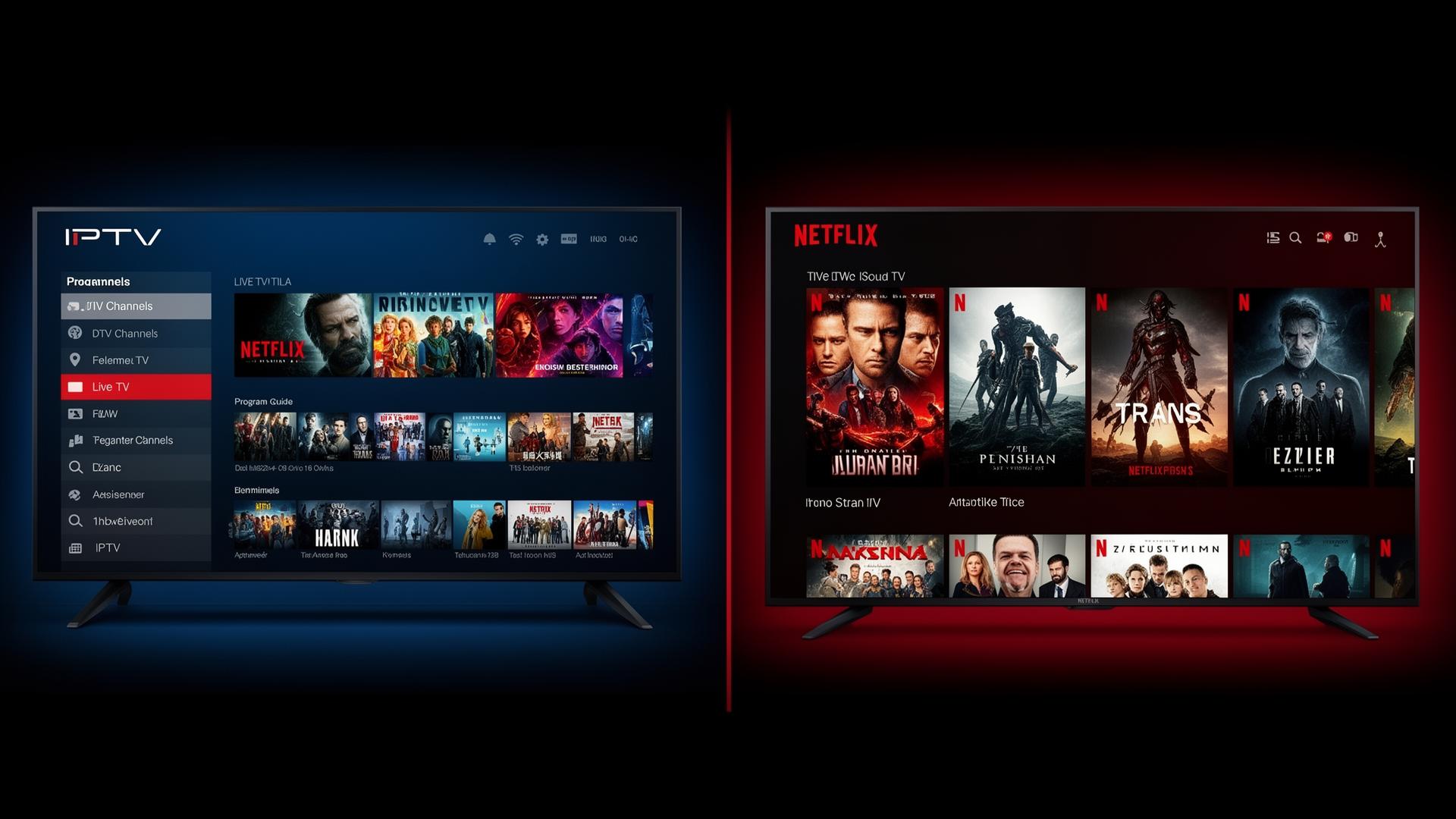
Streaming entertainment has transformed how we watch television. Two of the most popular options today are IPTV (Internet Protocol Television) and Netflix. While both deliver video content over the internet, they serve fundamentally different purposes. Understanding the key differences between IPTV and Netflix helps you choose the right solution for your viewing habits. In this guide, we break down what each service offers, how they compare across critical categories, and which one fits your lifestyle in 2026.
What Is IPTV?
IPTV stands for Internet Protocol Television. It is a system where television content is delivered using the internet protocol suite over a packet-switched network such as the internet, instead of being delivered through traditional terrestrial, satellite or cable television formats. IPTV services typically provide access to thousands of live TV channels, video-on-demand libraries, time-shifted media and pay-per-view events.
A quality IPTV subscription includes international channels, regional broadcasts, sports networks, movie channels, news stations and specialized content from around the globe. Unlike conventional broadcast television, IPTV allows viewers to stream content on demand and across multiple devices including Smart TVs, smartphones, tablets, laptops and streaming devices like Firestick and Android TV boxes.
For a deeper look at how IPTV works, check out our complete IPTV subscription guide.
What Is Netflix?
Netflix is a subscription-based video-on-demand (VOD) streaming service that offers a vast library of movies, TV series, documentaries and original programming. Founded in 1997 as a DVD rental service, Netflix revolutionized entertainment by pioneering the subscription streaming model. Today it is one of the largest streaming platforms globally, producing acclaimed original content such as Stranger Things, The Crown and Squid Game.
Netflix operates entirely on an on-demand model. Users browse a curated catalog, select titles and stream them at their convenience. There is no live broadcasting, though Netflix has experimented with live events. The platform uses advanced algorithms to recommend content based on viewing history, ratings and user preferences.
How Do IPTV and Netflix Compare?
Content Library and Channel Selection
The most significant difference between IPTV and Netflix lies in their content models. Netflix offers a finite but extensive on-demand library of licensed and original content. New titles are added and removed monthly based on licensing agreements. While the catalog is large, you are limited to what Netflix has chosen to host.
IPTV, on the other hand, provides access to live television channels from around the world. Depending on your subscription, you can access 5,000 to 20,000+ channels spanning entertainment, sports, news, documentaries, kids programming and adult content. IPTV also includes VOD sections with movies and series, giving you both live and on-demand options in one package.
Live TV vs On-Demand
Netflix is purely on-demand. You cannot watch live TV, breaking news or live sports events as they happen. For viewers who want to catch the latest football match, breaking news or live award shows, Netflix falls short.
IPTV excels at live broadcasting. It replicates the traditional TV experience by streaming channels in real-time. This makes IPTV the preferred choice for sports enthusiasts, news watchers and anyone who enjoys channel surfing. Many IPTV services also include catch-up TV and recording features, so you never miss your favorite programs.
If live TV matters to you, explore our guide on how to watch live TV online worldwide.
Pricing Models
Netflix operates on a tiered subscription model with different price points based on video quality and the number of simultaneous streams. Plans range from basic single-screen SD options to premium 4K multi-screen packages. While transparent, Netflix pricing can add up if you need multiple subscriptions to cover all your entertainment needs.
IPTV pricing varies by provider but is generally competitive. A single IPTV subscription often costs less than a premium Netflix plan while delivering exponentially more content. Many IPTV providers offer flexible plans including monthly, quarterly, semi-annual and annual options. For households seeking a complete television replacement, IPTV typically delivers better value.
Device Compatibility
Both Netflix and IPTV support a wide range of devices. Netflix is available on virtually every internet-connected device including Smart TVs, gaming consoles, smartphones, tablets, streaming sticks and web browsers. The app is polished, regularly updated and universally recognized.
IPTV is also highly compatible, though setup can be slightly more technical. IPTV apps are available on Android TV, Firestick, Apple TV, iOS, Android, Windows, macOS, Linux and Smart TVs from Samsung and LG. The flexibility of M3U playlists and Xtream Codes API means you can configure IPTV on almost any device. See our best IPTV apps for 2026 for top recommendations.
Streaming Quality
Netflix delivers consistently high-quality streaming with adaptive bitrate technology that adjusts resolution based on your internet speed. It supports SD, HD, Full HD and 4K Ultra HD with HDR and Dolby Vision on compatible content and devices. Netflix's global CDN ensures minimal buffering for most users.
IPTV streaming quality depends heavily on your provider. Premium IPTV services offer HD and 4K channels with stable, high-bitrate streams. A reliable provider invests in robust server infrastructure, anti-freeze technology and multiple backup sources to maintain quality. With a good internet connection and a trusted provider, IPTV can match or even exceed Netflix's live streaming quality.
Pros and Cons
IPTV Pros
- Thousands of live TV channels worldwide
- Real-time sports, news and events
- International and regional content
- Includes VOD movies and series
- Cost-effective cable TV replacement
- Multi-device compatibility
- Time-shifted and catch-up TV features
IPTV Cons
- Quality varies by provider
- Requires more technical setup initially
- Needs a stable, fast internet connection
- Less polished apps compared to Netflix
- Channel availability can change
- Some providers have limited customer support
Netflix Pros
- Extensive on-demand movie and series library
- Award-winning original content
- User-friendly, polished interface
- Reliable streaming with global CDN
- Advanced recommendation algorithms
- Offline downloads for mobile viewing
- Multiple profiles and parental controls
Netflix Cons
- No live TV or real-time sports
- Content rotates and titles leave
- Limited international live programming
- Separate subscriptions needed for full coverage
- Region-locked libraries
- Price increases over time
Which One Is Right for You?
Choosing between IPTV and Netflix depends on your viewing preferences and lifestyle.
Choose IPTV if you:
- Love live TV, channel surfing and real-time programming
- Watch sports, news and live events regularly
- Want international channels from multiple countries
- Are looking for a cost-effective cable TV replacement
- Need both live and on-demand content in one service
- Enjoy access to a massive variety of channels and genres
Choose Netflix if you:
- Prefer binge-watching series and movies at your own pace
- Value high-quality original programming and documentaries
- Want a simple, polished app experience with minimal setup
- Need offline downloads for travel or commuting
- Are satisfied with on-demand content and do not need live TV
- Want advanced personalization and recommendation features
Tips for Choosing the Best Streaming Solution
- Assess your viewing habits: Track what you watch for a week. If live sports and news dominate your screen time, IPTV is the better fit. If you watch mostly movies and series, Netflix or a combination of both may serve you well.
- Test your internet speed: Both services need a stable connection. For HD streaming, aim for at least 10 Mbps. For 4K, 25 Mbps or higher is recommended.
- Consider your budget: Compare the total cost of all subscriptions you would need to cover your entertainment. Often a single IPTV subscription replaces multiple standalone services.
- Read reviews and test providers: Not all IPTV services are equal. Look for providers with positive reviews, free trials, reliable customer support and transparent channel lists.
- Check device support: Ensure the service works on all your devices. Both IPTV and Netflix support most platforms, but verify before committing.
Conclusion
IPTV and Netflix are not direct competitors. They serve different needs in the evolving streaming landscape. Netflix dominates the on-demand entertainment space with its polished platform, original content and ease of use. IPTV reigns supreme for live television, sports, news and comprehensive channel access from around the world.
Many households find that combining both services delivers the ultimate entertainment experience. Use Netflix for movies, documentaries and original series. Rely on IPTV for live TV, sports, international programming and real-time events. By understanding the key differences between IPTV and Netflix, you can make an informed decision and build the perfect streaming setup for your home in 2026.
For more insights into the streaming world, read our article on the future of IPTV and online streaming services and discover where television technology is headed next.
Image suggestions for this post
- Side-by-side interface comparison: Split-screen showing an IPTV live channel guide next to a Netflix browsing interface — ALT: "IPTV channel guide interface next to Netflix movie browsing screen showing key differences between live TV and on-demand streaming platforms"
- Living room streaming setup: Modern living room with a large Smart TV showing a sports match via IPTV, with family watching — ALT: "Family watching live sports on a Smart TV using IPTV service in a modern living room"
- Device ecosystem illustration: Various devices including smartphone, tablet, laptop, Firestick and Smart TV displaying both IPTV and Netflix apps — ALT: "Multiple streaming devices showing IPTV and Netflix apps demonstrating cross-platform compatibility"
Ready to start streaming?
Explore our subscription plans and get instant access to live TV, sports and a huge VOD library on any device.
View IPTV PlansFrequently Asked Questions
More from the blog
Complete guide to high quality streaming with VOD — best devices, internet speed needs, setup steps, pros & cons, and expert tips for the ultimate on-demand experience.
Complete guide to premium 4K streaming for IPTV — best devices, internet speed needs, HDR setup, pros & cons, and expert tips for stunning Ultra HD quality.