TiviMate: The Complete IPTV Player Guide (2026)
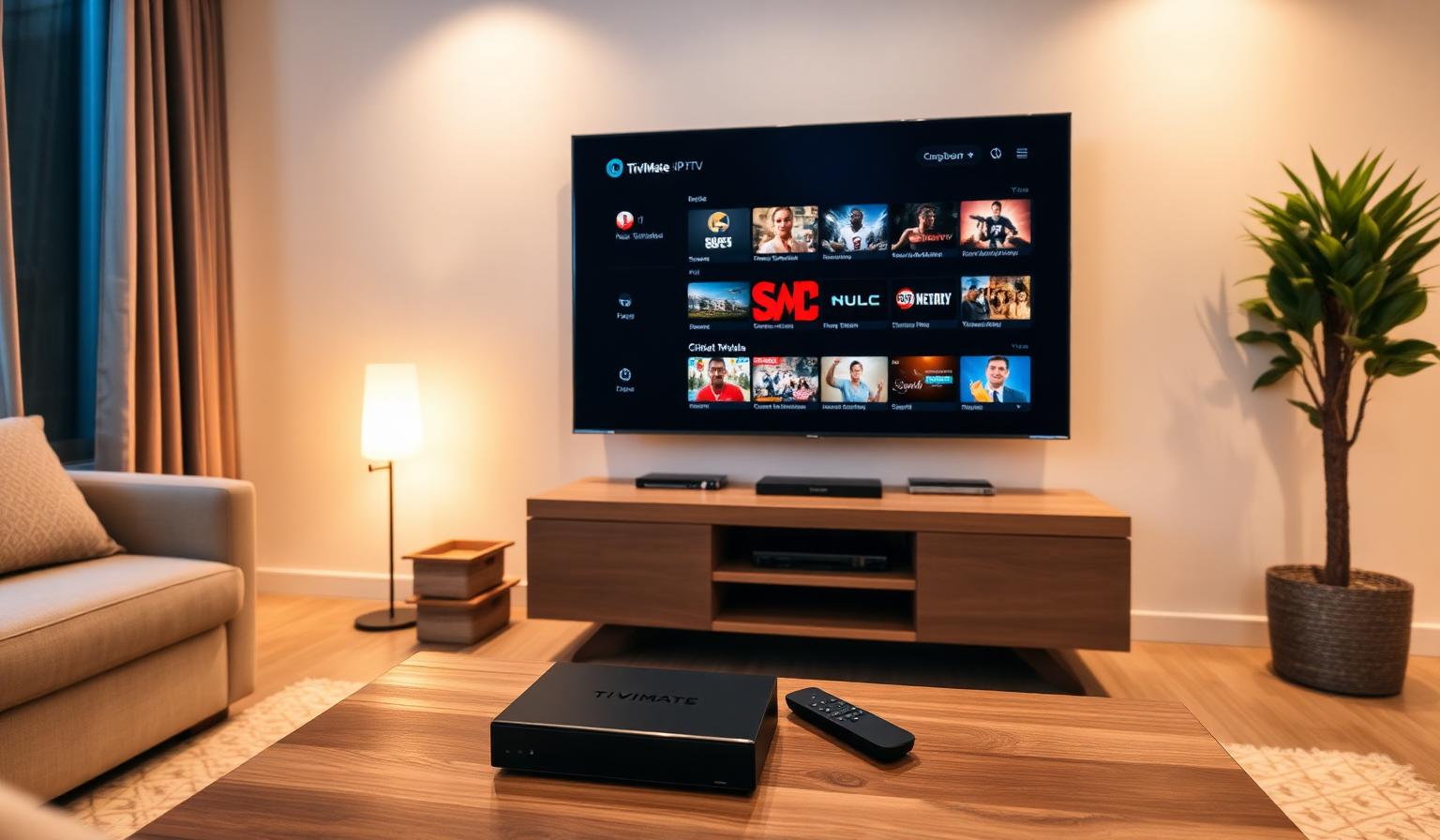
TiviMate is widely considered the best IPTV player for Android-based devices in 2026 — and for very good reasons. It pairs a beautiful, console-like interface with serious features like multi-playlist support, advanced EPG, picture-in-picture, scheduled recordings and silky-smooth channel switching. Whether you're running it on an NVIDIA Shield, an Android TV box, a Google TV stick or an Amazon Firestick, TiviMate turns any IPTV subscription into a polished, almost cable-like live TV experience. In this guide we'll cover what TiviMate is, how to install and configure it, how to load your IPTV playlist, and the best tips, pros and cons for a flawless 2026 setup.
What Is TiviMate?
TiviMate is an IPTV player built specifically for big screens. It focuses on D-pad navigation, fast EPG rendering, multi-source playlists and a clean, dark interface that feels at home on any modern Smart TV setup. It works with M3U and Xtream Codes playlists from any compatible IPTV provider.
- Supports M3U, M3U8 and Xtream Codes playlists
- Multiple playlists merged into a single, unified guide
- Catch-up TV, recordings and timeshift on supported channels
- Picture-in-picture, custom layouts and channel groups
- Cross-device sync of favorites and settings (Premium)
Why TiviMate Is the Top IPTV Player in 2026
Compared to lighter players, TiviMate behaves more like a full TV operating system. Channel changes feel instant, the EPG scrolls fluidly, and the layout can be customized to fit your viewing habits. Pair it with a quality IPTV provider and you get a setup that genuinely competes with traditional cable.
- Beautiful, distraction-free interface designed for remotes
- Fast channel switching and stable playback
- Advanced EPG with mini-guide and full-screen guide
- Recording & catch-up support on compatible feeds
- Excellent on Firestick, Android TV, Google TV and Shield
Step-by-Step: How to Set Up TiviMate
1. Install TiviMate on Your Device
- Android TV / Google TV / NVIDIA Shield: install from the Google Play Store.
- Amazon Firestick / Fire TV: install via the Amazon Appstore (search "TiviMate") or sideload using the Downloader app and the official APK.
- Android TV boxes: use the Play Store or the official APK from tivimate.com.
2. Open TiviMate & Add a Playlist
- Launch TiviMate and choose Add playlist.
- Select M3U playlist or Xtream Codes.
- For M3U: paste your M3U URL from your IPTV provider.
- For Xtream Codes: enter the server URL, username and password.
- Name the playlist (e.g. "Main IPTV") and let TiviMate import channels and EPG.
3. Configure the Interface
- Pick a layout — full-screen guide, mini guide or sidebar
- Create channel groups (Sports, News, Movies, Kids)
- Mark favorites for one-click access
- Adjust EPG sources if your provider offers an external XMLTV URL
4. Activate Premium (Optional)
TiviMate Premium unlocks multiple playlists, recording, picture-in-picture, custom layouts and cross-device sync. Activation uses a code purchased on the official TiviMate website, then entered in Settings → Premium.
5. Optimize for Smooth Streaming
- Use Ethernet on your main TV box for stable 4K playback
- Set DNS to 1.1.1.1 or 8.8.8.8 in your router or device
- Lower the buffer slightly if channels start slowly
- Switch player engine (Native / ExoPlayer / VLC) per channel if needed
- Reboot router and device weekly to clear caches
TiviMate vs Other IPTV Players
TiviMate's main rivals are IPTV Smarters Pro, OTT Navigator, Smart IPTV and IBO Player. TiviMate is the best choice on Android-based hardware, while IBO Player or Smart IPTV are better for Samsung and LG Smart TVs. For a wider comparison, see our roundup of the best IPTV apps in 2026.
Pros and Cons of TiviMate
Pros
- • Best-in-class interface for Android TV & Firestick
- • Fast channel switching and stable playback
- • Advanced EPG, recordings and picture-in-picture
- • Multi-playlist support with unified guide
- • Lifetime Premium option available
Cons
- • Not available on Samsung Tizen, LG webOS, iOS or Apple TV
- • Best features are behind Premium
- • Quality depends on your IPTV provider
- • Slight learning curve for first-time users
Best Practices & Pro Tips
- Pair TiviMate with a stable IPTV service for the best EPG and 4K streams.
- Use Ethernet on your main TV — wired beats Wi-Fi for live sports.
- Group your favorite channels (Sports, News, Movies) for fast navigation.
- Enable picture-in-picture for multi-game days.
- Travel with TiviMate on a Firestick — see our best streaming solutions for travelers guide.
Conclusion
TiviMate in 2026 remains the gold standard for IPTV on Android-based devices. Its mix of beautiful design, advanced EPG, recordings and rock-solid playback makes it a perfect partner for any quality IPTV subscription. Install it on your Firestick, Android TV box or NVIDIA Shield, load your playlist, fine-tune your network — and you'll have a genuinely premium live TV and VOD experience that's hard to beat at any price.
Want a stable playlist to power TiviMate? Have a look at our subscription plans and pick the one that fits your devices — clear options, no pressure.
Ready to start streaming?
Explore our subscription plans and get instant access to live TV, sports and a huge VOD library on any device.
View IPTV PlansFrequently Asked Questions
More from the blog
Complete guide to high quality streaming with VOD — best devices, internet speed needs, setup steps, pros & cons, and expert tips for the ultimate on-demand experience.
Complete guide to premium 4K streaming for IPTV — best devices, internet speed needs, HDR setup, pros & cons, and expert tips for stunning Ultra HD quality.