Top Entertainment Apps Used Around the World (2026)
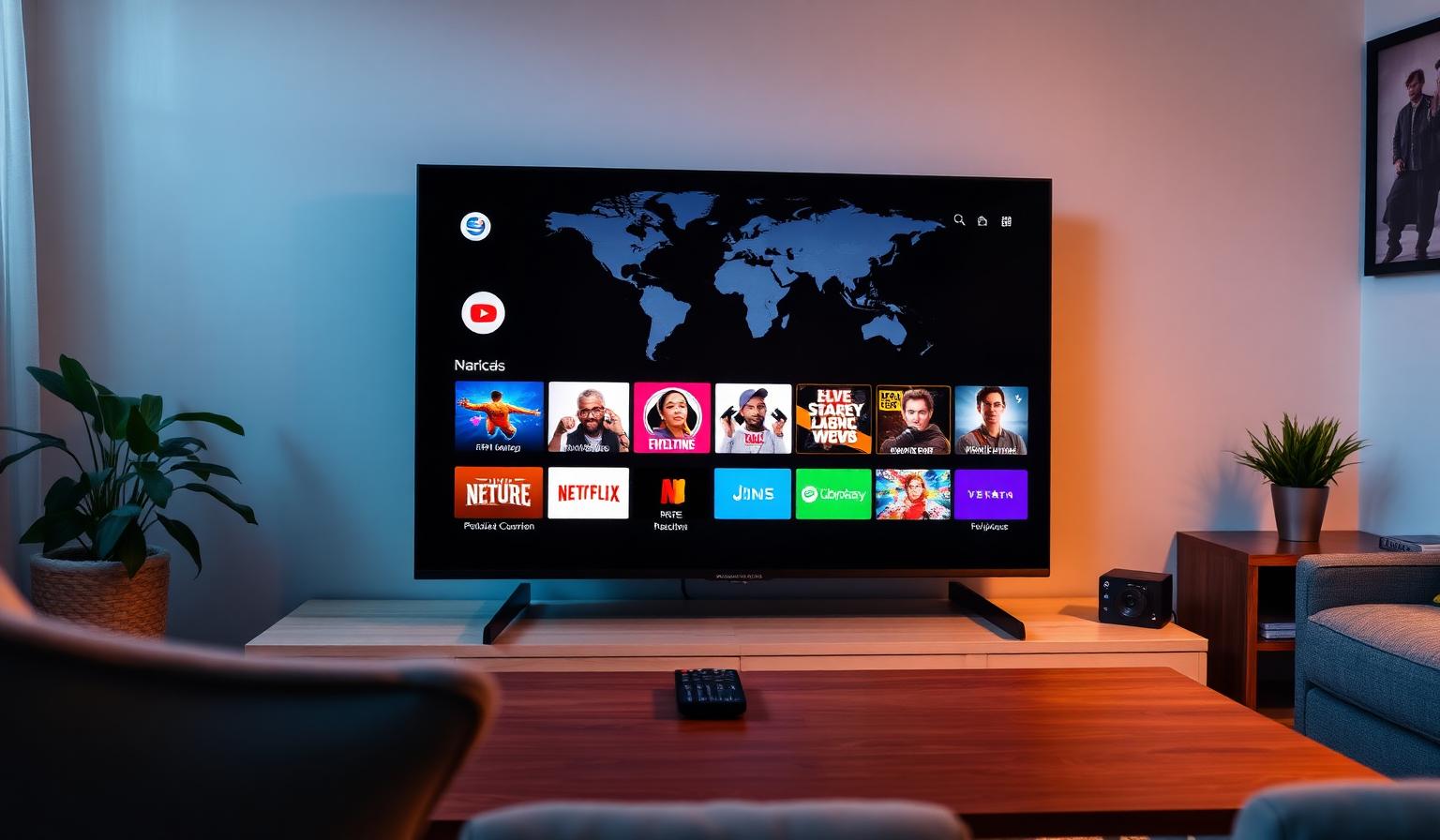
Entertainment in 2026 is global. From Hollywood blockbusters and Korean dramas to Bollywood hits, Premier League football and viral short videos, the apps people use around the world have reshaped how we watch, listen and play. Whether you stream on a Smart TV, Firestick, Chromecast, phone or tablet, the right mix of apps turns any screen into a personal entertainment hub. In this guide, you'll discover the top entertainment apps used around the world — globally dominant platforms, powerful regional players, free streaming services and the IPTV apps that bring worldwide live TV into one place. We'll cover features, devices, a step-by-step setup, pros and cons, and best practices for a smooth experience in HD and 4K.
Why Entertainment Apps Dominate Global Viewing
Streaming apps offer something traditional cable never could: choice, flexibility and instant access on any device. They travel with you, work on every modern TV and stream in stunning HD or 4K. From live news and sports to original series and music, today's apps cover every taste in dozens of languages.
Top Global Entertainment Apps
1. Streaming Giants (Movies & Series)
- Netflix — global leader for original films, series and documentaries
- Prime Video — huge library plus live sports rights worldwide
- Disney+ — Disney, Marvel, Star Wars, Pixar and National Geographic
- HBO Max / Max — premium drama and Warner Bros. catalog
- Apple TV+ — high-quality originals and 4K HDR mastering
2. Video Platforms
- YouTube — the world's biggest free video platform
- YouTube Premium — ad-free, background play and downloads
- TikTok — short-form video used by over a billion people
- Twitch — live gaming, esports and creator streams
3. Live Sports Apps
- DAZN — global live sports across many countries
- ESPN+ — strong in the US and the Americas
- Fubo — football, soccer and international leagues
- Sky Sports, Eurosport — Europe's top premium leagues
- FIFA+ — free football content and live matches
4. Music and Audio Apps
- Spotify — most-used music app worldwide
- Apple Music — lossless audio and Dolby Atmos
- YouTube Music — bundled with YouTube Premium
- Amazon Music — included with Prime in many regions
5. Free, Ad-Supported Streaming (FAST)
- Pluto TV — hundreds of free live channels worldwide
- Tubi — large free movie and series library
- Plex Live, The Roku Channel — free live TV and VOD
- Samsung TV Plus, LG Channels — built into Smart TVs
6. Powerful Regional Apps
- iQIYI, Tencent Video, Youku — China and Asia
- Hotstar / JioCinema — India
- Shahid, OSN+ — MENA
- Globoplay — Brazil and Latin America
- BBC iPlayer, ITVX, RaiPlay, France.tv — Europe
7. IPTV Apps for Worldwide Live TV
A quality IPTV service paired with IPTV Smarters Pro, TiviMate or OTT Navigator brings live channels from Europe, MENA, Asia, Africa and the Americas into one organized grid with EPG, favorites and VOD — perfect to complement the apps above.
Step-by-Step: Build a Global Entertainment Setup
Step 1 — Pick a Modern Device
- Any modern Smart TV (Samsung, LG, Sony, TCL, Hisense)
- Amazon Firestick 4K Max — affordable and app-rich
- Chromecast with Google TV — clean Android TV experience
- Apple TV 4K — premium hardware and AirPlay
Step 2 — Install the Essentials
Start with the apps you use most — Netflix, YouTube, Prime Video, Disney+, Spotify and a couple of free FAST apps. Sign in once and let your favorites sync across devices.
Step 3 — Add Regional and Live TV Apps
Install broadcaster apps from your home country (BBC iPlayer, RaiPlay, France.tv, Shahid, Hotstar) and an IPTV player for worldwide live TV.
Step 4 — Organize Your Home Screen
Pin your top 6–8 apps to the home row. Group sports, movies and music separately. A clean home screen is the key to a great daily experience.
Step 5 — Optimize Picture and Sound
- Enable HDR, Dolby Vision or HDR10+ when supported
- Switch picture mode to Filmmaker, Cinema or Sports
- Pair with a soundbar or 5.1 system for cinematic depth
- Use HDMI 2.1 cables for 4K HDR live streams
Pros and Cons of Today's Entertainment Apps
- • Access to global content in dozens of languages
- • HD and 4K HDR quality from any device
- • Mix of free and paid options for every budget
- • Works on Smart TV, Firestick, Android TV, iOS and PC
- • Offline downloads for travel
- • IPTV apps bring worldwide live TV into one grid
- • Stacking subscriptions adds up quickly
- • Some content is region-restricted by license
- • Older Smart TVs may lack the latest apps
- • Heavy 4K HDR streams need 25 Mbps+ internet
- • Too many apps can clutter your home screen
Tips and Best Practices
- Use Ethernet on your main TV — it's the single biggest fix for buffering
- Keep app and firmware versions up to date for the latest codecs
- Audit your subscriptions every few months to avoid waste
- Try free FAST apps before paying for premium add-ons
- Use a 5GHz Wi-Fi band for streaming devices
- Restart your router weekly to keep streaming sessions stable
Bring It All Together
The best entertainment setups stay simple: a strong internet connection, one streaming device, a curated mix of paid and free apps and a quality IPTV service for worldwide live TV. Pin your favorites, organize categories and keep firmware updated — that's most of a great daily experience.
Want to dig deeper? Read our guide to watching international TV channels, our top streaming apps for live TV in 2026, or browse the subscription plans designed for global live TV in HD and 4K.
Conclusion
The top entertainment apps used around the world all share one thing: they put viewers in control. Pick a modern device, install the essentials, add a few regional gems and a quality IPTV service, then organize your home screen for daily ease. With this setup, you'll enjoy movies, series, sports, music and live TV from across the globe — all from one remote, on any screen, in stunning HD or 4K.
Ready to start streaming?
Explore our subscription plans and get instant access to live TV, sports and a huge VOD library on any device.
View IPTV PlansFrequently Asked Questions
More from the blog
Complete guide to high quality streaming with VOD — best devices, internet speed needs, setup steps, pros & cons, and expert tips for the ultimate on-demand experience.
Complete guide to premium 4K streaming for IPTV — best devices, internet speed needs, HDR setup, pros & cons, and expert tips for stunning Ultra HD quality.